 Ahmed Alaydi
Aly Baba POS System + Desktop Cashier Application
A complete multi-branch POS and business management ecosystem including an admin dashboard, Laravel API, Electron desktop cashier application, inventory tracking, expenses management, reports, analytics, and real-time notifications.
- الدور
- مهندس برمجيات متكامل
- الجدول الزمني
- نظام فعلي
- الصناعة
- أنظمة خلفية
- الحالة
- منطلق
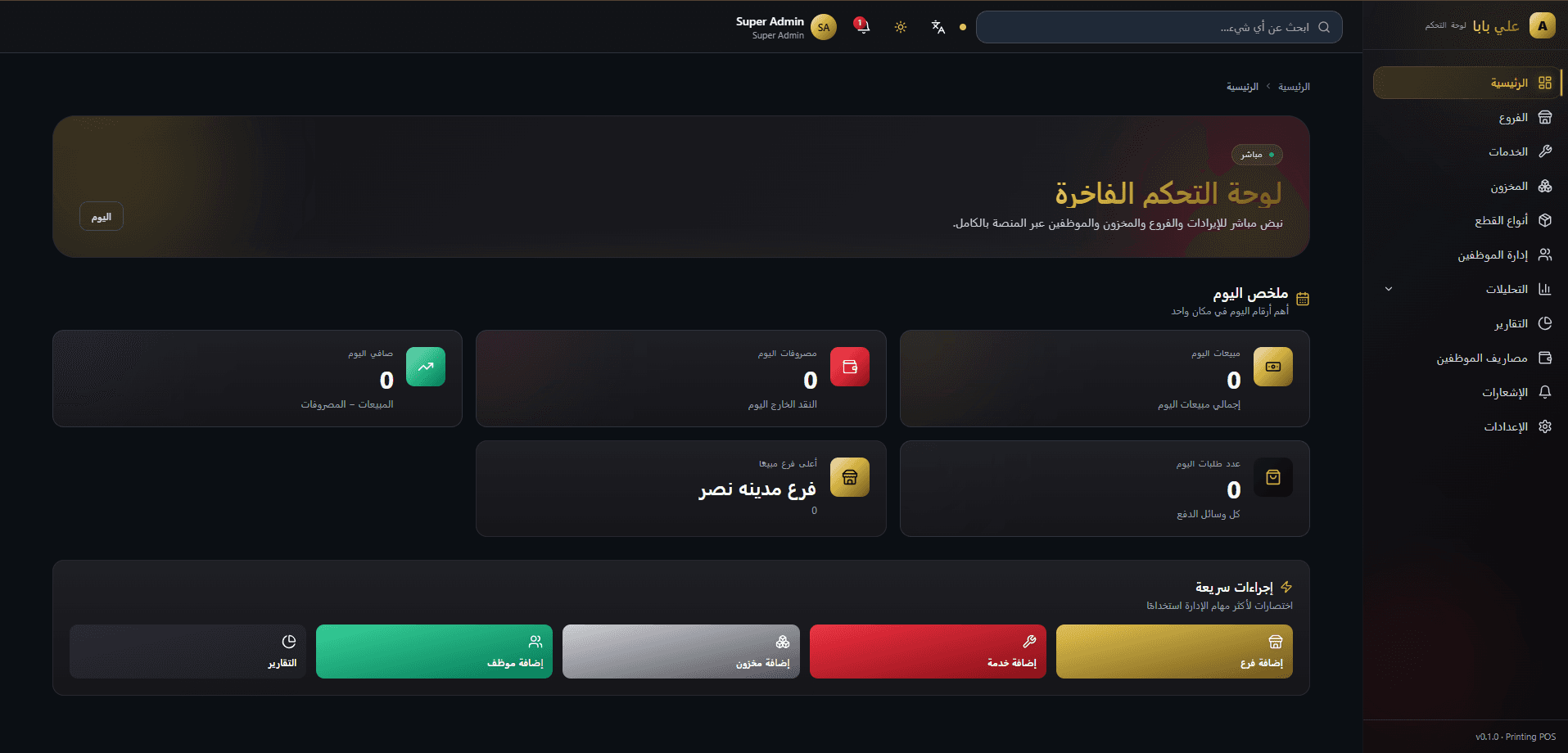
ما هذا النظام
Aly Baba POS is a complete business management and point-of-sale ecosystem designed to help businesses manage sales, inventory, expenses, branches, employees, and operational reports from one unified platform. The system includes a web-based admin dashboard, Laravel REST APIs, a MySQL database, and a dedicated Electron desktop cashier application for daily sales operations. It supports multi-branch workflows, real-time order and expense notifications, negative stock handling, financial reporting, receipt printing, and a modern cashier experience built for fast and reliable business operations.
ما الذي احتجنا حله
Businesses with multiple branches often struggle to manage sales, inventory, expenses, employees, and branch performance using disconnected tools. Manual tracking can lead to stock mistakes, delayed reports, missing expense records, and poor visibility over daily operations.
كيف أطلقناه
A centralized POS ecosystem built with Laravel APIs, a React admin dashboard, and an Electron desktop cashier application. The system connects sales, inventory, expenses, reports, notifications, and branch operations into one workflow, allowing admins to monitor the business while cashiers handle daily transactions through a fast desktop application.
كيف يُوصل النظام
تم تنظيم هذا النظام ببنية واضحة تفصل بين الواجهة الأمامية وطبقة التطبيق والبيانات والتكاملات، بما يسهّل التطوير المستقبلي ويحافظ على الاستقرار أثناء التشغيل.
واجهة متجاوبة بمكونات قابلة لإعادة الاستخدام وتجربة عرض مناسبة لمختلف المقاسات.
سير عمل منظم يشمل القواعد التجارية والتحقق من المدخلات وإدارة الصلاحيات والعمليات الأساسية.
هيكل بيانات منظم يدعم الاستعلام السريع والتوسع وسلامة البيانات مع الزمن.
واجهات API وخدمات خارجية مرتبطة بطبقة تكامل تحافظ على وضوح الحدود بين الأنظمة.
اختيارات هندسية
في الواقع
تجربة تطبيق الكاشير المكتبي
The cashier desktop application is built for speed inside branch operations. It gives cashiers a focused POS interface for login, order creation, payment handling, receipt printing, and daily transaction flow while staying connected to the same Laravel backend and central reporting system.
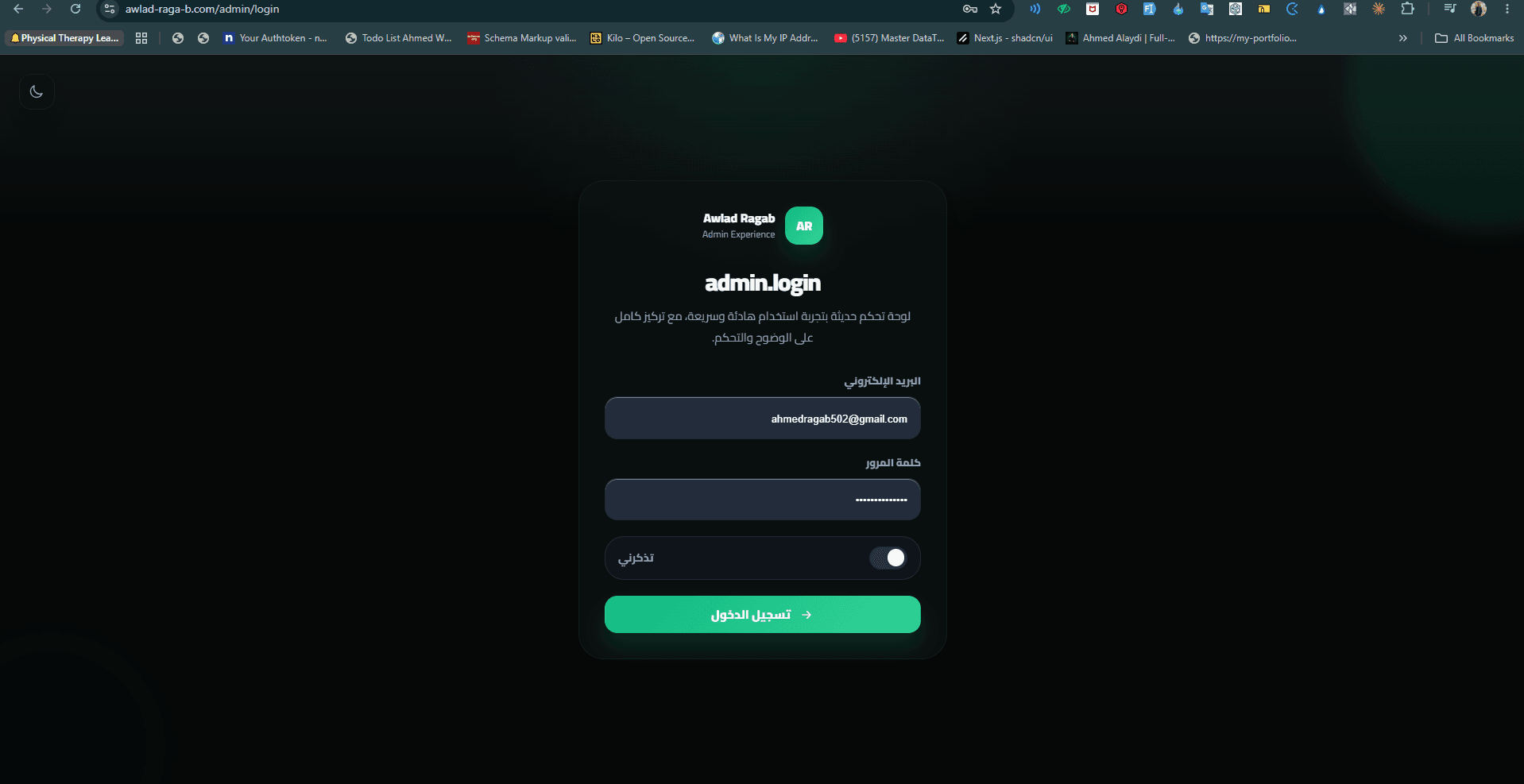
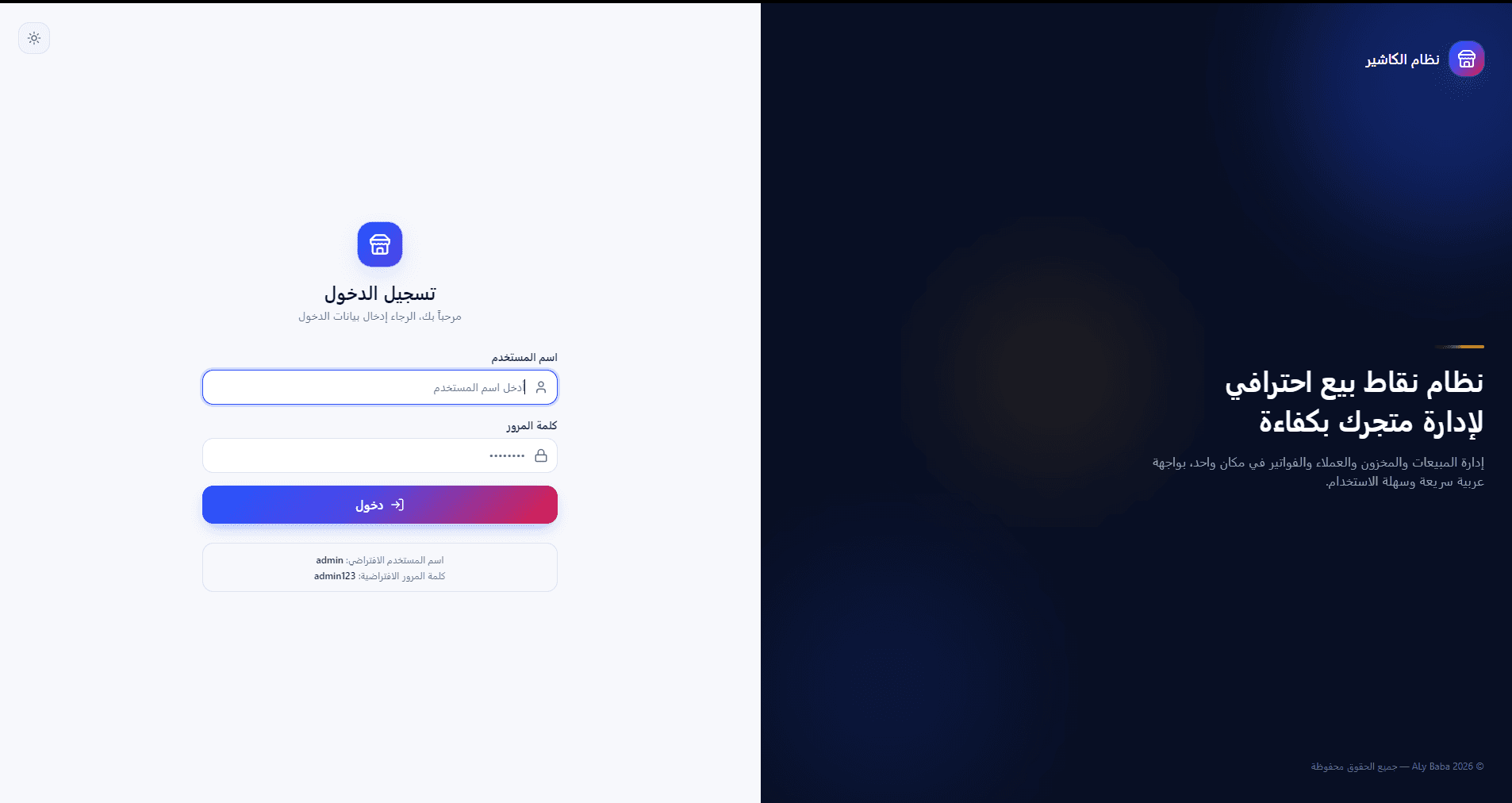
Secure branch cashier login screen designed for fast daily access and minimal friction at the point of sale.
Main cashier workspace showing quick actions, branch context, and the core sales workflow in a focused desktop layout.
Sales creation screen where cashiers add services, adjust quantities, choose payment methods, and complete orders efficiently.
Sales creation screen where cashiers add services, adjust quantities, choose payment methods, and complete orders efficiently.
Sales creation screen where cashiers add services, adjust quantities, choose payment methods, and complete orders efficiently.
مشاكل صعبة، تم التعامل معها
Businesses with multiple branches often struggle to manage sales, inventory, expenses, employees, and branch performance using disconnected tools. Manual tracking can lead to stock mistakes, delayed reports, missing expense records, and poor visibility over daily operations.
A centralized POS ecosystem built with Laravel APIs, a React admin dashboard, and an Electron desktop cashier application. The system connects sales, inventory, expenses, reports, notifications, and branch operations into one workflow, allowing admins to monitor the business while cashiers handle daily transactions through a fast desktop application.
كان المطلوب الحفاظ على الأداء وسهولة الاستخدام مع زيادة حجم البيانات وتعدد السيناريوهات.
تم ضبط بنية المكونات والاستعلامات وحالات التحميل بحيث يظل النظام سريعاً وواضحاً عبر الواجهات المختلفة.
مبني ليظل سريعاً
التصميم والتفاعل
جاهز للإطلاق والتشغيل
ما الذي يفعله
تنظيم العرض والإدخال والتحديث ضمن واجهات واضحة.
دعم للأدوار المختلفة وتدفق تنفيذ منظم حسب طبيعة المشروع.
تجربة مناسبة على الموبايل والتابلت وسطح المكتب.
ربط بين الواجهة والـ API والخدمات المطلوبة لتشغيل النظام.
لماذا اخترنا ما اخترناه
الاعتماد على Laravel، PHP، MySQL كأساس للبناء.
لأنها تقنيات مناسبة لطبيعة المشروع، وتوفر سرعة تطوير جيدة، وصيانة أوضح، وقابلية للتوسع.
فصل طبقات النظام بحدود واضحة بين الواجهة والخدمات والبيانات.
حتى يبقى التطوير أسهل، وتظل التعديلات المستقبلية أقل مخاطرة على بقية أجزاء النظام.
النتائج
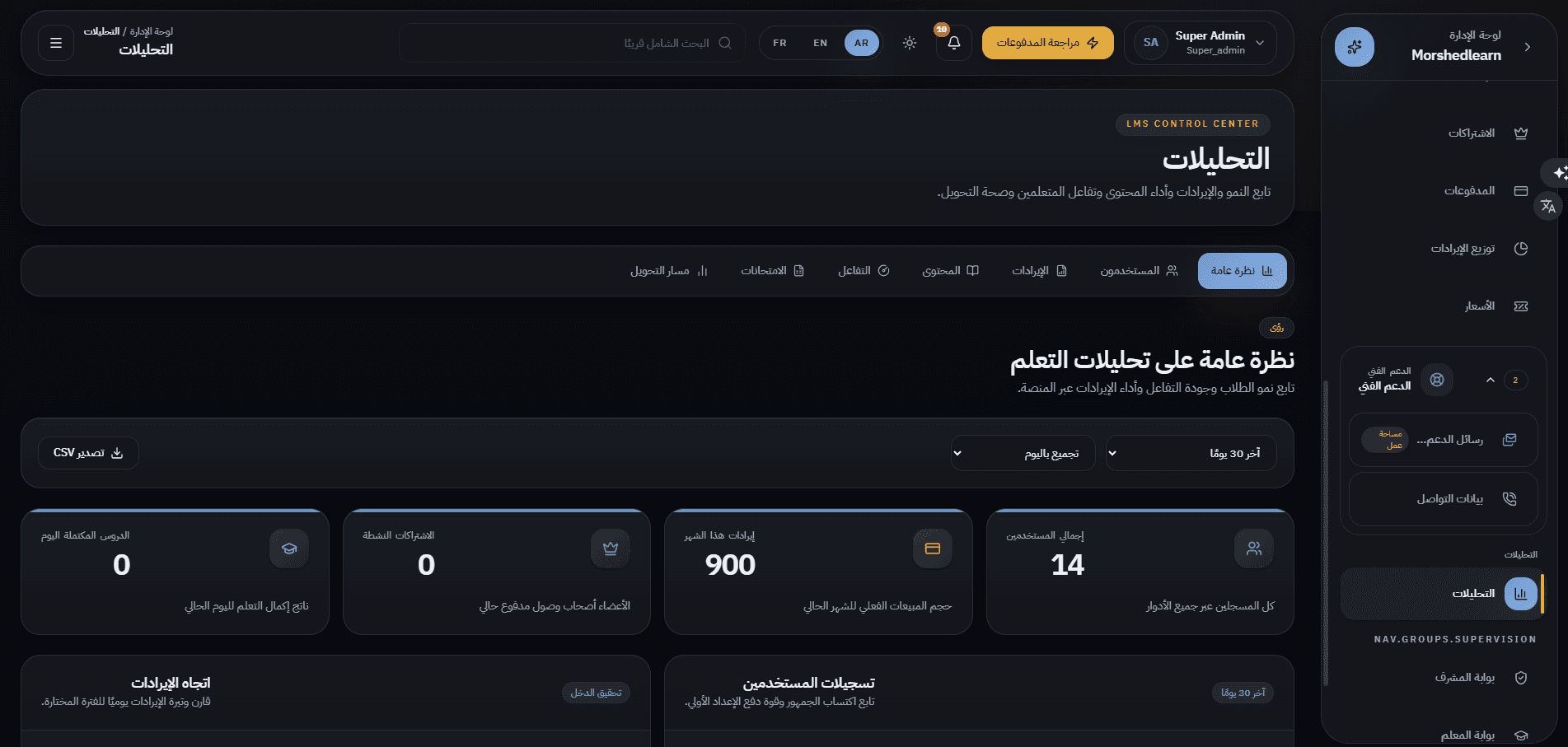
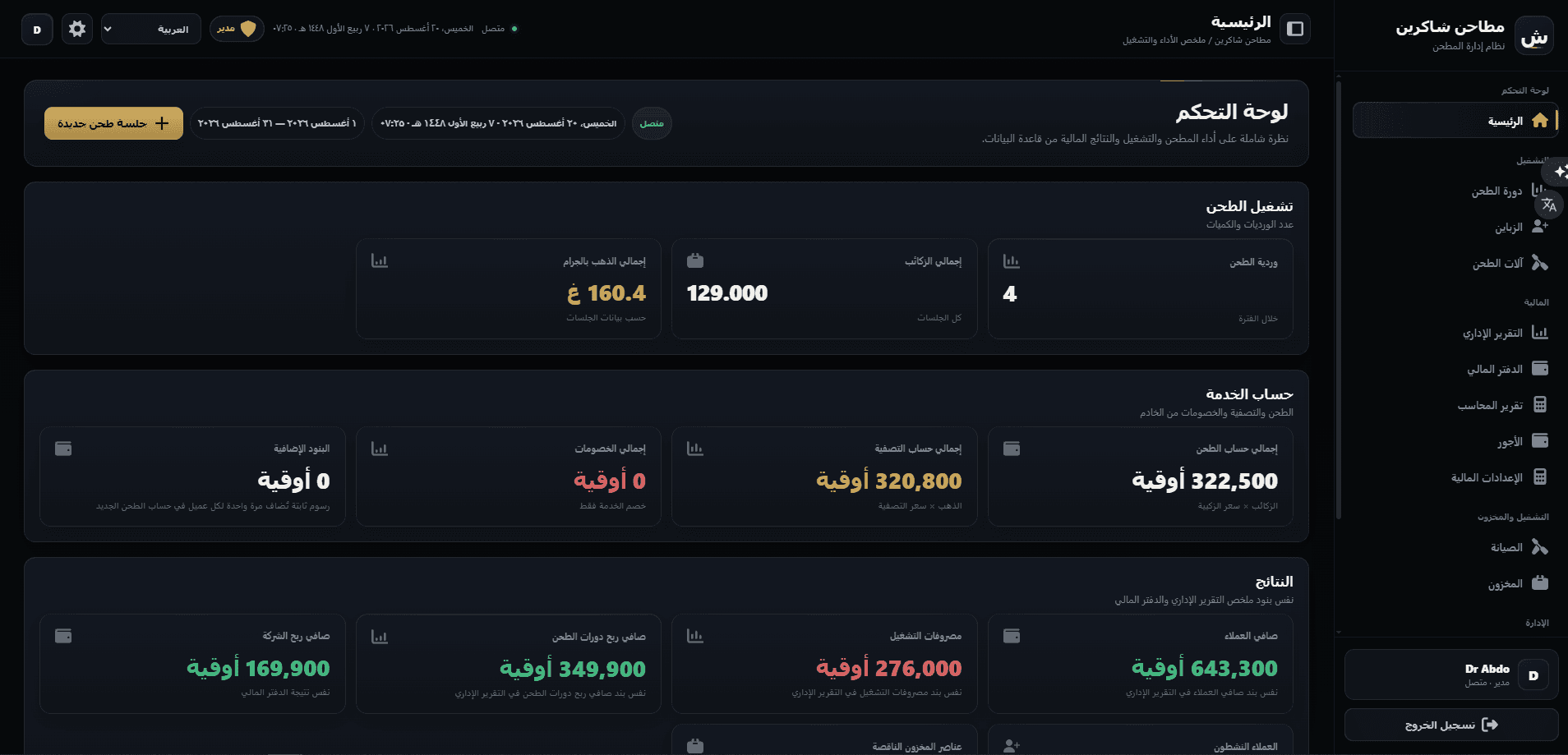
دراسات حالة أخرى
تبني شيئاً مشابهاً؟
هيا نحدد نطاق منصتك — لوحة تحكم وتطبيقات موبايل و APIs والمنصة كاملة.