 Ahmed Alaydi
Point of Sale. Fully Offline.
An offline-first Windows desktop POS built with Electron, React, and TypeScript on a local SQLite database — sales, inventory, purchasing, and ledgers in one place.
- Role
- Desktop Application Engineer
- Timeline
- Production System
- Industry
- Retail
- Status
- Live

What this system is
Aly Baba Cashier Desktop POS is a Windows point-of-sale application designed to run entirely on the device. It combines a fast cashier sales flow, invoicing, inventory and purchasing, customer and supplier accounts, shift and cash-drawer management, expenses, debt collection, and reporting into one offline-first Electron application backed by a local SQLite database and device-based activation.
What we needed to solve
Retail shops often rely on cloud POS tools that stop working the moment the internet drops, and juggling sales, inventory, purchases, returns, shifts, and customer/supplier debts across disconnected tools makes daily reconciliation slow and error-prone.
How we shipped it
A single offline-first desktop application that keeps all point-of-sale, inventory, purchasing, and accounting data in a local SQLite database on the device. Cashiers get a fast POS workflow with thermal receipt printing and shift-based cash handling, while owners get inventory control, ledgers, expense tracking, debt collection, and reporting without depending on a network connection.
How the system is wired
The application is a self-contained Electron desktop client. A React and TypeScript renderer drives the interface while the Electron main process manages the local SQLite database, printing, and device activation. Because all data lives on the device, the system keeps working with no network connection and never blocks a sale on connectivity.
Packages the application as a native Windows desktop client and coordinates windows, printing, and the local data layer.
Renderer layer providing the POS screens, dashboards, inventory, purchasing, and ledger interfaces with a typed, component-based codebase.
On-device storage for sales, invoices, products, stock movements, customers, suppliers, shifts, expenses, and ledger entries.
Receipt preview with thermal printing, dedicated DTF printing services, and device-based activation for licensing.
Engineering choices
In the wild
Cashier desktop experience
The Aly Baba Cashier desktop application runs entirely on the device. Cashiers move from opening a shift to ringing up sales, applying admin-controlled discounts, printing thermal receipts, recording expenses, and reconciling customer and supplier ledgers — all backed by a local SQLite database that keeps working offline.
Main dashboard showing daily sales, cash position, and key retail metrics for the device.
Point-of-sale screen for adding items, adjusting quantities, and completing orders quickly.
Cashier sales workflow with fast item selection and order totals.
Applying discounts that are governed by admin permissions during a sale.
Issued invoice details ready for receipt preview and printing.
Browse previously issued invoices and reprint when needed.
Process sales returns and adjust stock and balances accordingly.
Customer accounts with balances and purchase history.
Customer ledger tracking sales, payments, and outstanding balances.
Record customer payments against outstanding debts.
Supplier accounts with balances and purchase records.
Supplier ledger tracking purchases, returns, and payments.
Record supplier purchases and update stock and supplier balances.
Handle purchase returns and reflect them in stock and ledgers.
Product catalog with pricing and current stock levels.
Auditable stock movement history from purchases, sales, and returns.
Open and close cashier shifts with start and end balances.
Managed cash-drawer balance tied to the active shift.
Log branch expenses that reflect in shift and financial reports.
Preview the receipt before sending it to the thermal printer.
Thermal receipt printing output for completed sales.
Dedicated DTF printing services integrated into the retail workflow.
Sales, returns, and expense reporting generated from local data.
Detailed reporting scoped by shift and date range.
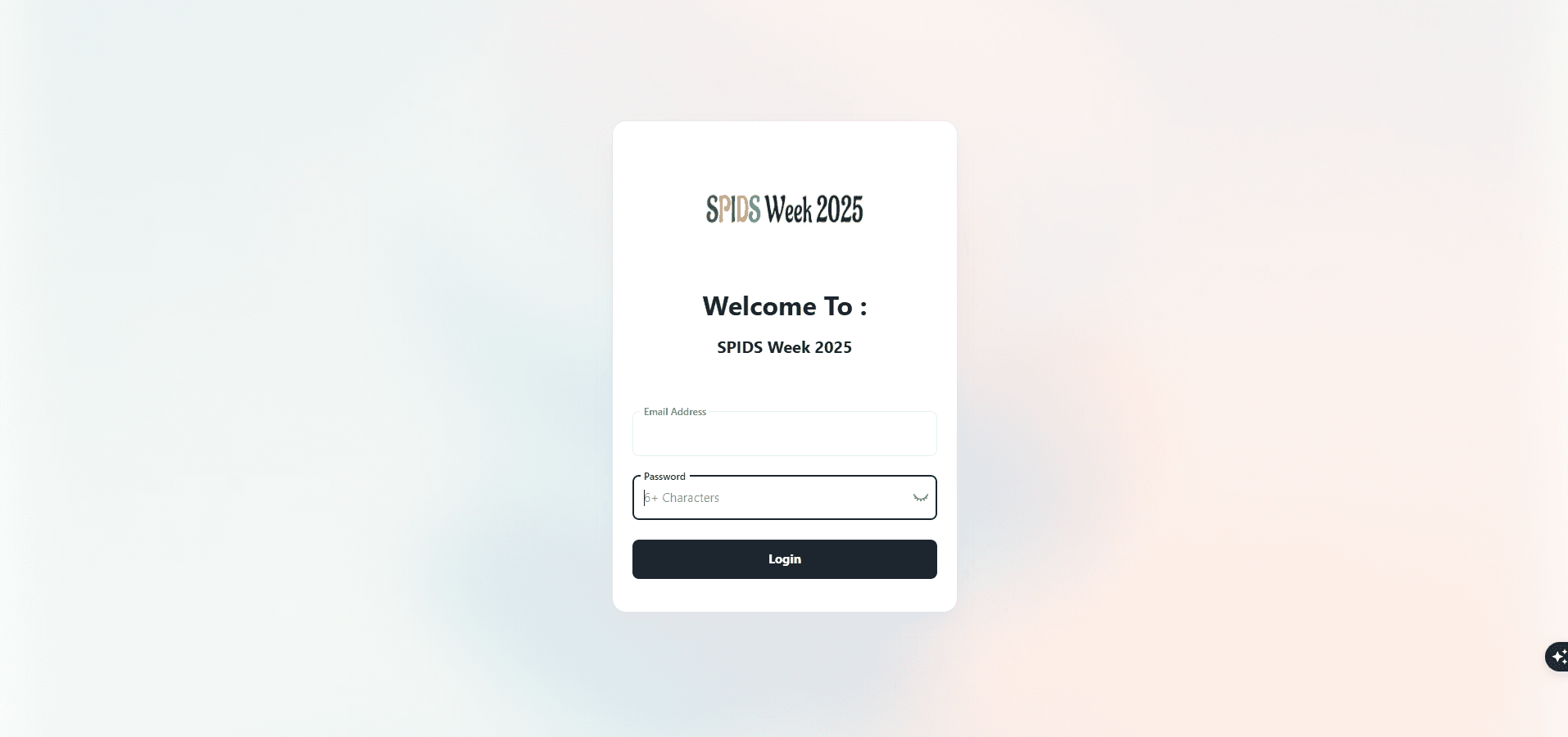
Device-based activation screen for licensing the desktop application.
What admins control
Overview of daily sales, cash position, and key retail metrics for the current device and shift.
Fast sales screen for adding items, applying admin-controlled discounts, and completing orders with receipt printing.
Browse, review, and reprint issued invoices along with sales and purchase returns.
Manage products and track stock movements from purchases, sales, and returns.
Record supplier purchases and purchase returns and reflect them in stock and supplier ledgers.
Maintain customer and supplier accounts with ledgers, balances, and debt collection.
Open and close cashier shifts with managed cash-drawer balances and expense logging.
Sales, returns, expenses, and ledger reporting generated from local data.
Hard problems, handled
The point of sale must remain fully usable even when the shop has no internet connection.
Built the entire system offline-first on a local SQLite database so sales, inventory, and accounting never depend on connectivity.
Sales, purchases, returns, and payments all need to stay consistent with stock and account balances.
Modeled stock as movement records and kept customer and supplier ledgers updated from each transaction to keep balances accurate.
Cashiers need reliable receipt output on retail thermal printers.
Added receipt preview with thermal printing support and dedicated DTF printing services from the desktop application.
Built to stay fast
Design and interaction
Ready to ship and operate
What it does
Every sale, invoice, and stock movement is stored locally in SQLite, so the cashier keeps working even with no internet connection.
Handles POS sales, invoices, sales returns, and purchase returns with corresponding stock adjustments.
Tracks stock movements across purchases, sales, and returns and links purchases to supplier accounts.
Cashier shifts manage the cash drawer, expenses, and end-of-shift reconciliation.
Customer and supplier ledgers track balances, while debt collection records payments against outstanding amounts.
Receipt preview and thermal printing support, plus dedicated DTF printing services for retail workflows.
Why we chose what we chose
Electron for the desktop client.
Electron lets the POS ship as a native Windows desktop application while building the UI with modern React and TypeScript.
Local SQLite as the data store.
An embedded database keeps all transactions on the device, enabling true offline-first operation with fast local reads and writes.
TypeScript across the renderer.
Static typing keeps the sales, inventory, and ledger logic reliable and easier to maintain as the system grows.
Device-based activation.
Binding activation to the device provides a simple licensing model that works without a constant network connection.
Results
Other case studies

Building something similar?
Let's scope your platform — dashboard, mobile apps, APIs, the full stack.