
AI & Developer Tools · Beginner

3 Prompts to Start a Project with AI

Understand, review, plan — then implement, in that order

Download PDF

PDF · 72 KB · 9 pages

The PDF is in Arabic. This page describes it in your language; the file itself is unchanged.

  • ai
  • prompts
  • chatgpt
  • claude code
  • codex
  • planning
  • workflow
  • requirements

01About this document

About this document

The ChatGPT prompt refuses to suggest a stack until the project is understood. What has to be clear first is grouped into business, technical, delivery and a short list of must-have items — and the guide is explicit that you do not move to implementation until you have them.

The Claude Code and Codex prompts follow the same shape: understand, review, plan, then execute one phase at a time, with an example of the command to send after the review. A closing section helps you choose which prompt to start from, including a suggested order for someone who is not a programmer.

Preview

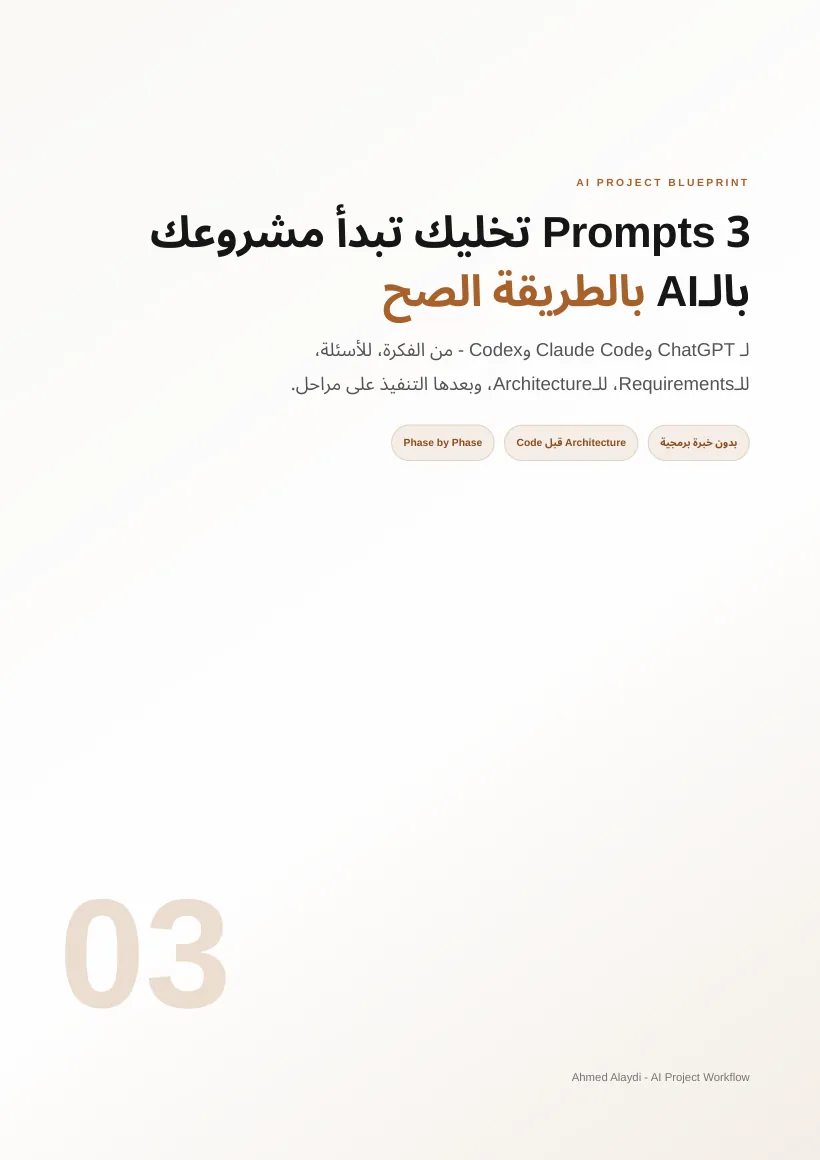
The first page of the document, as it is.Open the PDF in a new tab

02What you will learn

What you will learn

  • Stop an AI from picking a stack before the problem is understood
  • Know the business, technical and delivery facts that must be settled first
  • Review a plan before any code is written
  • Execute phase by phase with a clear command after each review

03What is inside

What is inside

  1. 01Why this file exists
  2. 02ChatGPT: understand the project before suggesting any technology
  3. 03What must be clear first — business, technical, delivery
  4. 04Claude Code: review the plan first, then execute phase by phase
  5. 05Codex: the same idea — understand, review, plan, execute
  6. 06Which prompt to start from
  7. 07Before you say “start building”

04Who this is for

Who this is for

  • Developers starting a new project with an AI assistant
  • Non-programmers who want a defensible plan before building

05Related resources

  • AI & Developer Tools

    AI Coding Roadmap

    An ordered path through four coding agents, built from selected videos with a practical prompt to run after each one — three graded stages for Claude Code and three for Codex — plus a seven-day plan and a section on using AI without letting your own level slip.
  • AI & Developer Tools

    Find Skills — A to Z

    A twelve-page guide to Find Skills: what it is in one sentence, the search commands, installing it on Claude Code and on Codex — per project and globally — ready prompts for both, how to use it day to day, what to do once you have picked a skill, and a troubleshooting section.

  • AI & Developer Tools

    3 Skills That Change How You Work With Claude Code

    A five-page card-style guide to three Claude Code skills — Emil Kowalski's design engineering skills for motion and interaction, Taste Skill for visual direction, and a SEO skill — each with its official repository, what it does in practice, the exact install command, and two prompts: one to install and verify, one to try it on a project.