
AI & Developer Tools · Beginner

Find Skills — A to Z

Let the agent search for the right skill, compare, then install it

Download PDF

PDF · 98 KB · 12 pages

The PDF is in Arabic. This page describes it in your language; the file itself is unchanged.

  • claude code
  • codex
  • skills
  • ai
  • tooling
  • installation
  • prompts

01About this document

About this document

Every install path is given twice — once inside a single project and once globally — with the verification step that follows each, plus a direct-link alternative and the case where you want it on Claude Code and Codex together.

The usage half is a general daily prompt plus worked examples for React/Next.js and for testing, then what to do once a skill is chosen (including promoting it to global), useful commands, and a closing A-to-Z workflow with the official sources it was built from.

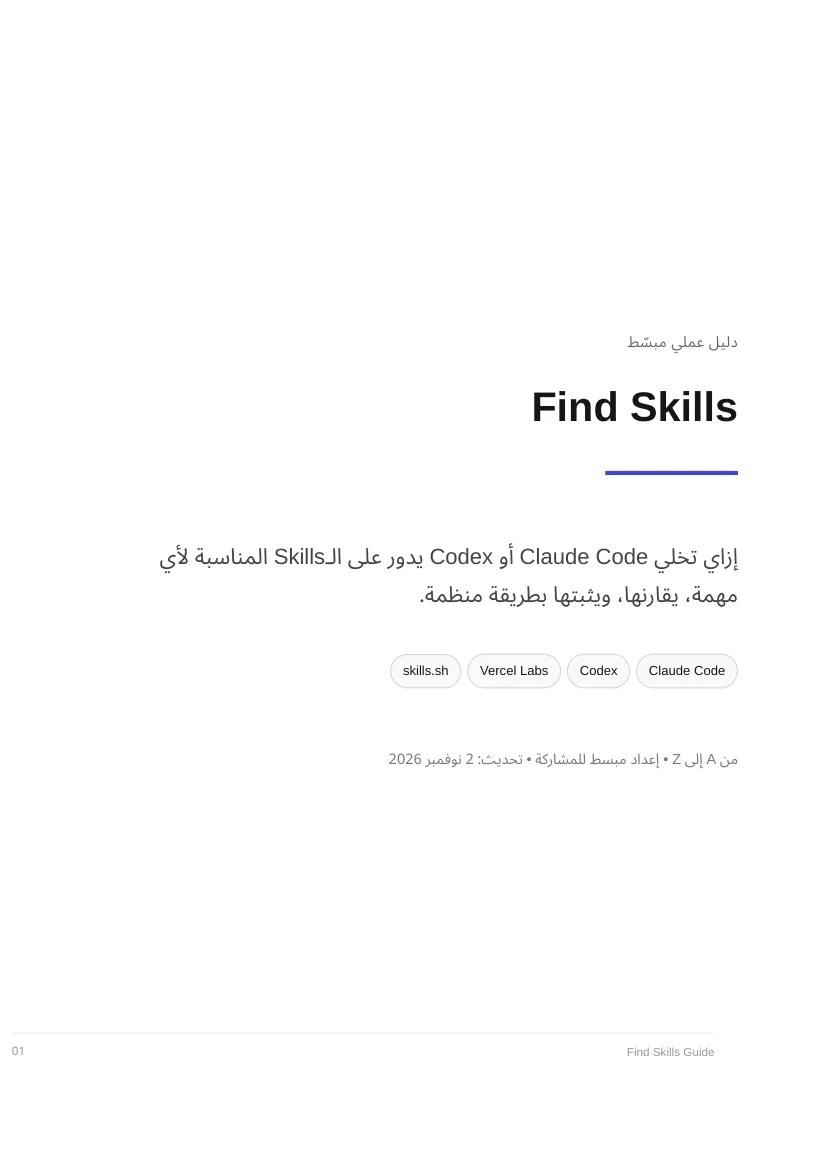
Preview

The first page of the document, as it is.Open the PDF in a new tab

02What you will learn

What you will learn

  • Search for a skill that fits a task instead of browsing lists
  • Install on Claude Code and Codex, per project or globally
  • Verify after every install path
  • Use one daily prompt, with React/Next.js and testing examples
  • Fix the common failures instead of reinstalling blindly

03What is inside

What is inside

  1. 01What Find Skills is, in one sentence
  2. 02How it works, and the core search commands
  3. 03Official links and requirements before installing
  4. 04Installing on Claude Code — project and global
  5. 05Installing on Codex — project and global
  6. 06Ready prompts for Claude Code and for Codex
  7. 07Using it day to day, with worked examples
  8. 08After choosing a skill: going global, useful commands
  9. 09Common problems and their fixes

04Who this is for

Who this is for

  • Claude Code and Codex users with more skills available than they can track
  • Developers who want the agent to pick its own tools for a task

05Related resources

  • AI & Developer Tools

    AI Coding Roadmap

    An ordered path through four coding agents, built from selected videos with a practical prompt to run after each one — three graded stages for Claude Code and three for Codex — plus a seven-day plan and a section on using AI without letting your own level slip.
  • AI & Developer Tools

    3 Prompts to Start a Project with AI

    Three ready prompts, one each for ChatGPT, Claude Code and Codex, that force the same sequence on every project: understand the problem before choosing any technology, review the plan before executing, then build phase by phase — with a checklist of what must be settled before you say “start building”.

  • AI & Developer Tools

    3 Skills That Change How You Work With Claude Code

    A five-page card-style guide to three Claude Code skills — Emil Kowalski's design engineering skills for motion and interaction, Taste Skill for visual direction, and a SEO skill — each with its official repository, what it does in practice, the exact install command, and two prompts: one to install and verify, one to try it on a project.