
AI & Developer Tools · Beginner

3 Skills That Change How You Work With Claude Code

UI polish, visual direction and SEO — installed, verified and prompted

Download PDF

PDF · 426 KB · 5 pages

The PDF is in Arabic. This page describes it in your language; the file itself is unchanged.

  • claude code
  • skills
  • ai
  • animation
  • ui
  • design
  • seo
  • prompts

01About this document

About this document

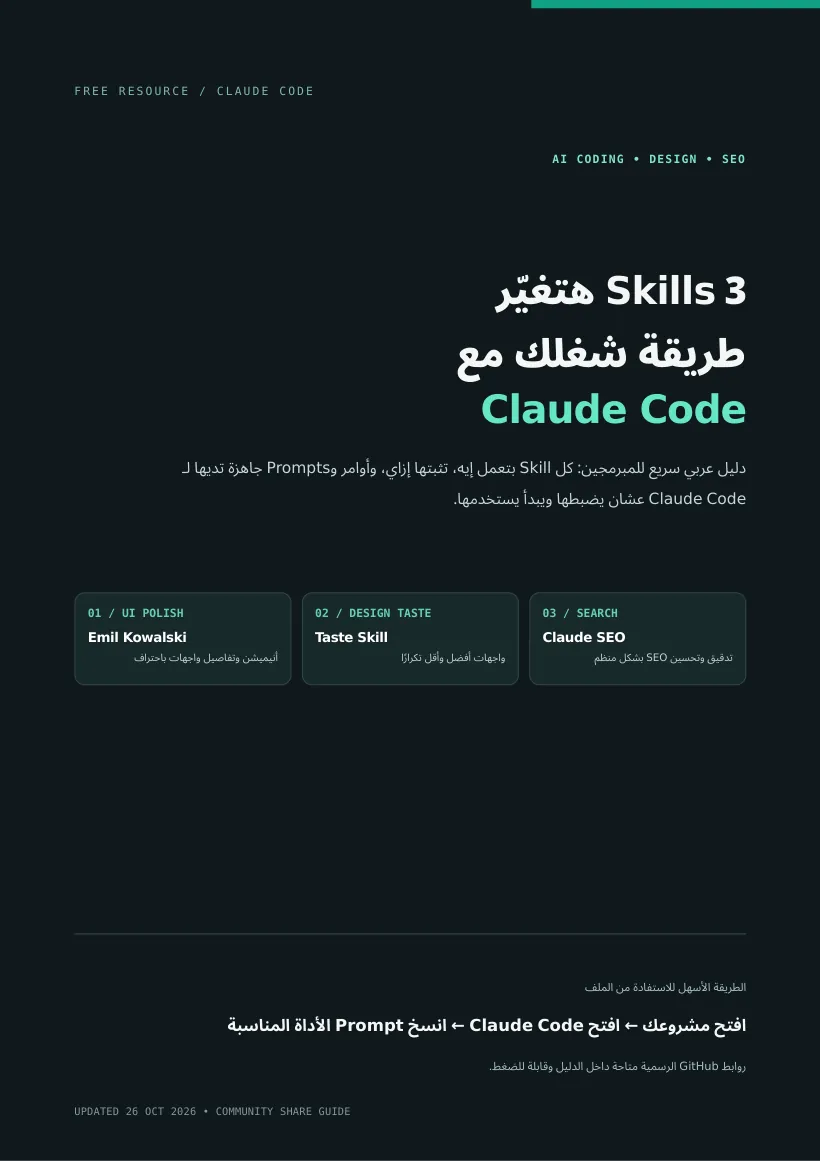
Each skill gets the same treatment, so the three are directly comparable: official GitHub link, what it does in practice as a short list, requirements, the install command (and an alternative when the skill ships as a plugin), then the two prompts.

The install prompts are written defensively: inspect the README first, check the environment, confirm the skill is discoverable, report where it landed — and do not modify application code, deploy or push to Git. The usage prompts ask for a prioritised before/after/why table and a plan before any code changes.

Worth knowingThe prompts inside are in English so they can be pasted straight into Claude Code; the explanations around them are Arabic.

Preview

The first page of the document, as it is.Open the PDF in a new tab

02What you will learn

What you will learn

  • Install three skills from their official sources with the exact commands
  • Audit existing animations for performance and reduced-motion support
  • Give a project a visual direction instead of a generic AI layout
  • Keep install prompts from touching application code or Git

03What is inside

What is inside

  1. 01The easiest way to use this file
  2. 0201 — Emil Kowalski skills: motion, interaction, perceived speed
  3. 0302 — Taste Skill: art direction, typography, spacing, hierarchy
  4. 0403 — Claude SEO: organised SEO auditing and improvement
  5. 05Install + verify prompts, and a prompt to try each on a project

04Who this is for

Who this is for

  • Claude Code users who have not installed a skill before
  • Front-end developers working on interface quality

05Related resources

  • AI & Developer Tools

    Find Skills — A to Z

    A twelve-page guide to Find Skills: what it is in one sentence, the search commands, installing it on Claude Code and on Codex — per project and globally — ready prompts for both, how to use it day to day, what to do once you have picked a skill, and a troubleshooting section.
  • Frontend Development

    Frontend Skills for Claude Code

    A short practical guide to installing two skills — Frontend Design from Anthropic and UI UX Pro Max — into Claude Code, verifying the install, and then running one master prompt at the start of any front-end project so the design work follows a fixed method instead of a new guess each time.

  • AI & Developer Tools

    AI Coding Roadmap

    An ordered path through four coding agents, built from selected videos with a practical prompt to run after each one — three graded stages for Claude Code and three for Codex — plus a seven-day plan and a section on using AI without letting your own level slip.