
Frontend Development · Intermediate

Frontend Skills for Claude Code

Install two design skills, then give every project the same starting prompt

Download PDF

PDF · 64 KB · 7 pages

The PDF is in Arabic. This page describes it in your language; the file itself is unchanged.

  • claude code
  • ai
  • frontend
  • ui
  • ux
  • design
  • skills
  • prompts

01About this document

About this document

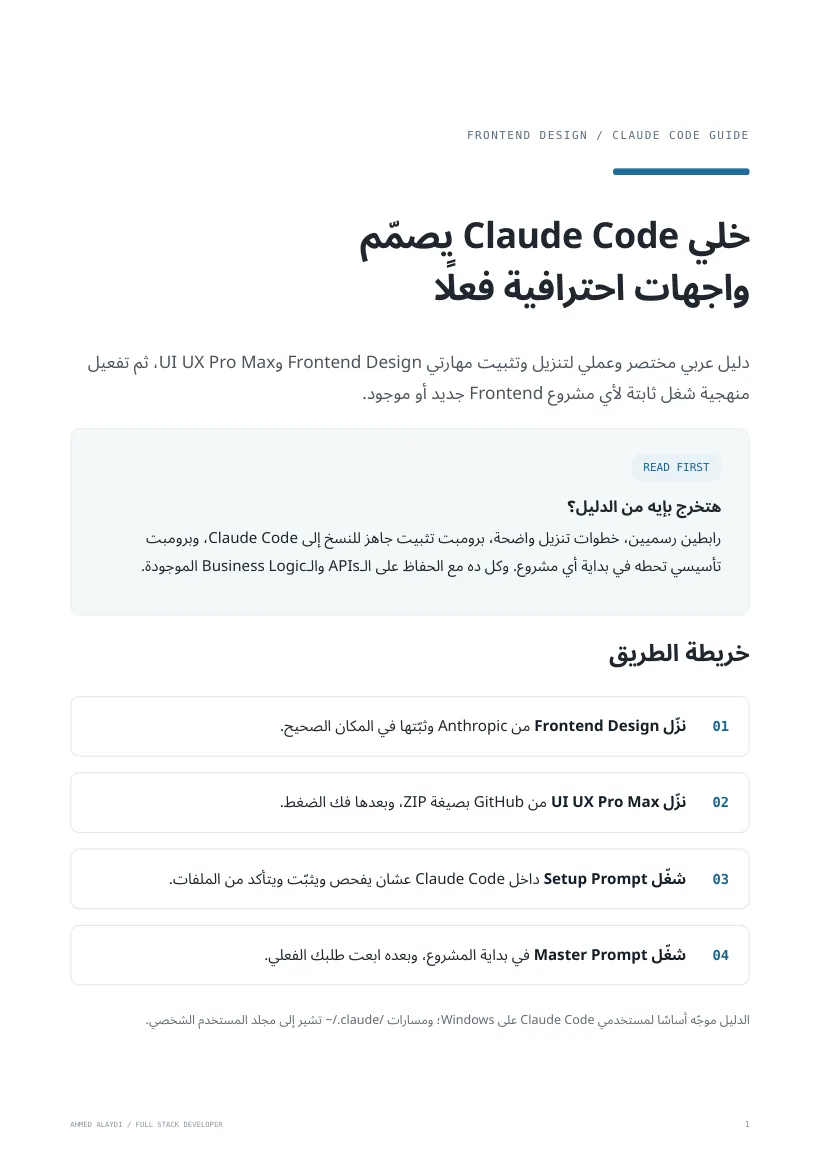
Four steps, in order: download Frontend Design and put it in the right place, download UI UX Pro Max as a ZIP from GitHub and extract it, run a setup prompt inside Claude Code that checks and installs and confirms the files, then run the master prompt at the start of the project before sending the actual request.

It is written for Claude Code on Windows and states the real paths under ~/.claude/, answers the questions that come up right after installing (what to do with the Downloads folder, what Python is needed for, where the final folder is), and insists that an existing project keeps its APIs and business logic untouched before any redesign.

Preview

The first page of the document, as it is.Open the PDF in a new tab

02What you will learn

What you will learn

  • Install both skills from their official sources, with the right folder layout
  • Verify after installing instead of assuming it worked
  • Start any front-end project with one consistent master prompt
  • Redesign an existing project without touching its APIs or business logic

03What is inside

What is inside

  1. 01What you leave this guide with
  2. 0201 — Downloading the skills
  3. 0302 — The install prompt
  4. 0403 — After installing: four things to confirm
  5. 0504 — The master prompt for every project
  6. 0605 — Applying it: a new project, and an existing one

04Who this is for

Who this is for

  • Front-end developers using Claude Code day to day
  • Developers whose AI-generated interfaces all look alike

05Related resources

  • Frontend Development

    Apple Design Skill Guide

    A guide to the Apple Design skill for Claude Code and Codex: what it actually adds to a project, how to install it, and a deliberate order — audit an existing site without changing anything, read the audit, then redesign — plus copy-ready prompts for bottom sheets, cards, navbars, typography and carousels.
  • AI & Developer Tools

    3 Skills That Change How You Work With Claude Code

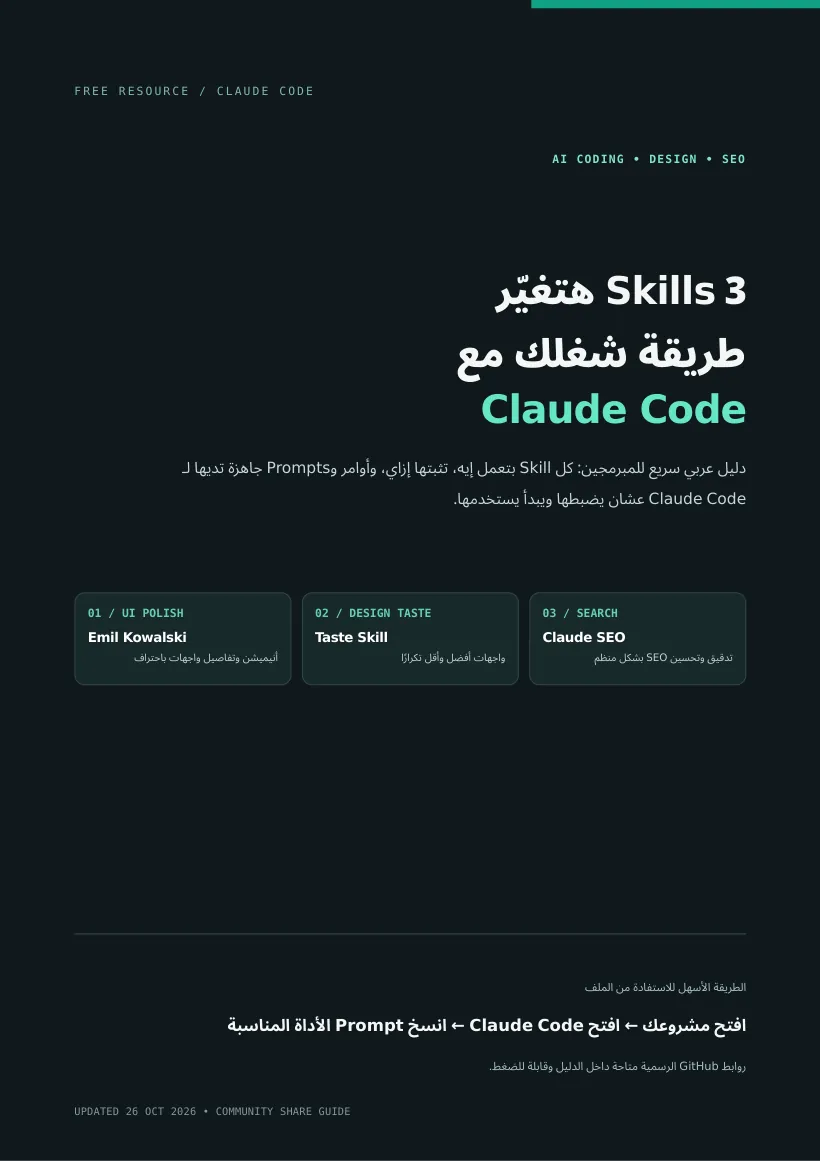
    A five-page card-style guide to three Claude Code skills — Emil Kowalski's design engineering skills for motion and interaction, Taste Skill for visual direction, and a SEO skill — each with its official repository, what it does in practice, the exact install command, and two prompts: one to install and verify, one to try it on a project.

  • Frontend Development

    Front-End Developer Roadmap 2026

    A nineteen-page front-end roadmap built as ten stations — HTML, CSS and responsive design, Git, JavaScript, browser and REST APIs, TypeScript and tooling, React, React in real applications, Next.js, then testing, accessibility, performance, deployment and SEO — with free courses named at each one.