
Frontend Development · Intermediate

Apple Design Skill Guide

Audit first, redesign second — with ready prompts for each interface pattern

Download PDF

PDF · 184 KB · 8 pages

The PDF is in Arabic. This page describes it in your language; the file itself is unchanged.

  • claude code
  • codex
  • design
  • ui
  • motion
  • audit
  • redesign
  • skills
  • prompts

01About this document

About this document

The order is the point. Stage one installs the skill with a prompt that checks the environment first. Stage two runs an audit that is explicitly not allowed to edit anything, and the guide says what to expect back from it. Only stage three redesigns, with a shorter prompt available when a single component is all that needs work.

It closes with the part most AI redesigns miss: a short list of what makes an interface look AI-generated, the workflow that avoids it, and a checklist to run before handing the redesign over.

Preview

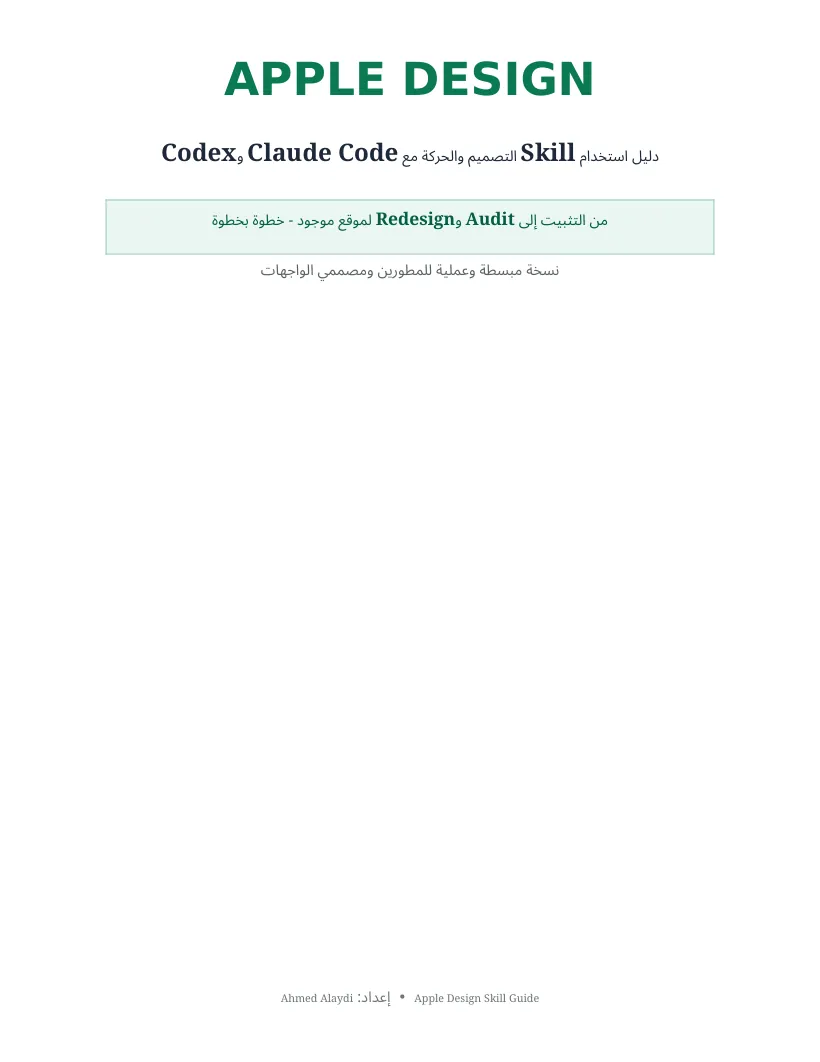
The first page of the document, as it is.Open the PDF in a new tab

02What you will learn

What you will learn

  • Install the skill safely, with an environment check before anything changes
  • Audit an existing interface without a single edit
  • Redesign with prompts written per component, not one vague request
  • Keep motion and materials from drifting into an AI-looking result

03What is inside

What is inside

  1. 01What the Apple Design skill is, and its official links
  2. 02What it actually adds to a project
  3. 03Stage 1 — installing the skill
  4. 04Stage 2 — audit before redesign
  5. 05Stage 3 — the redesign prompt
  6. 06Ready prompts: bottom sheet, cards, navbar, typography, carousel, full polish
  7. 07Keeping the design from looking AI-generated
  8. 08Checklist before handing over the redesign

04Who this is for

Who this is for

  • Front-end developers and interface designers
  • Anyone redesigning an existing site with Claude Code or Codex

05Related resources

  • Frontend Development

    Frontend Skills for Claude Code

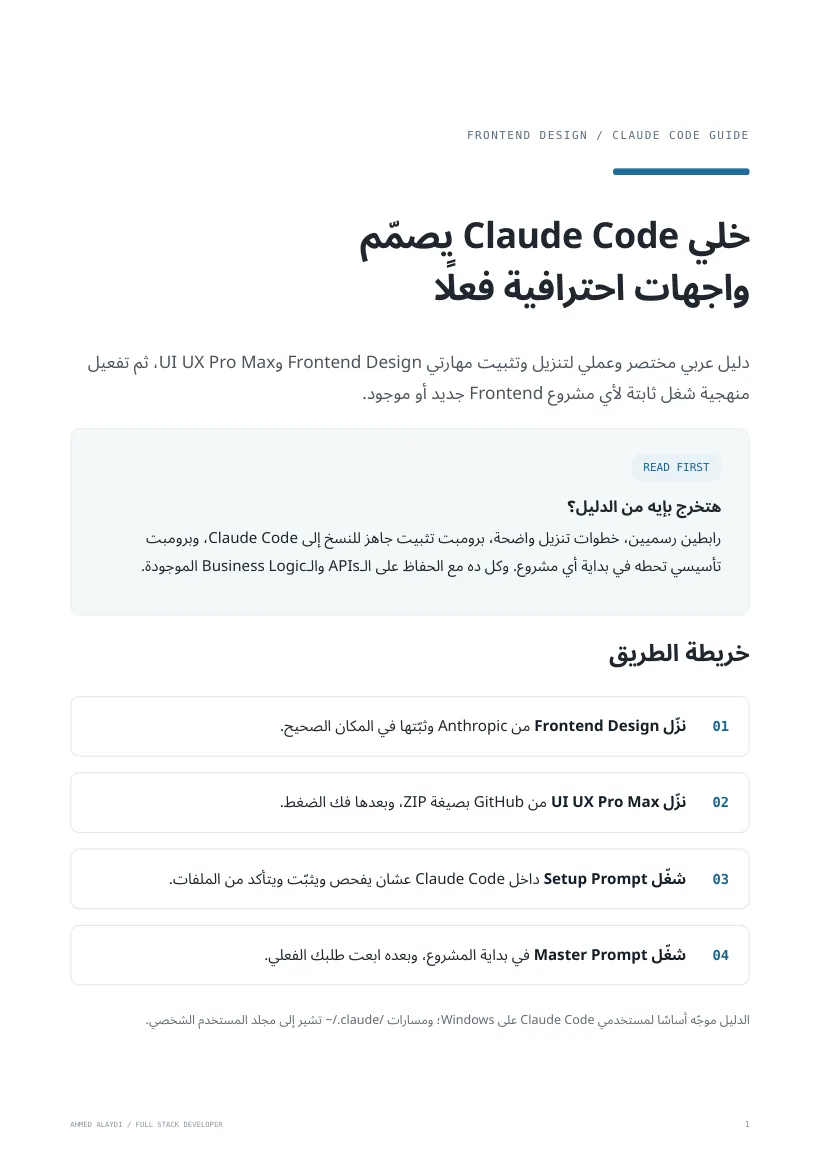
    A short practical guide to installing two skills — Frontend Design from Anthropic and UI UX Pro Max — into Claude Code, verifying the install, and then running one master prompt at the start of any front-end project so the design work follows a fixed method instead of a new guess each time.
  • AI & Developer Tools

    3 Skills That Change How You Work With Claude Code

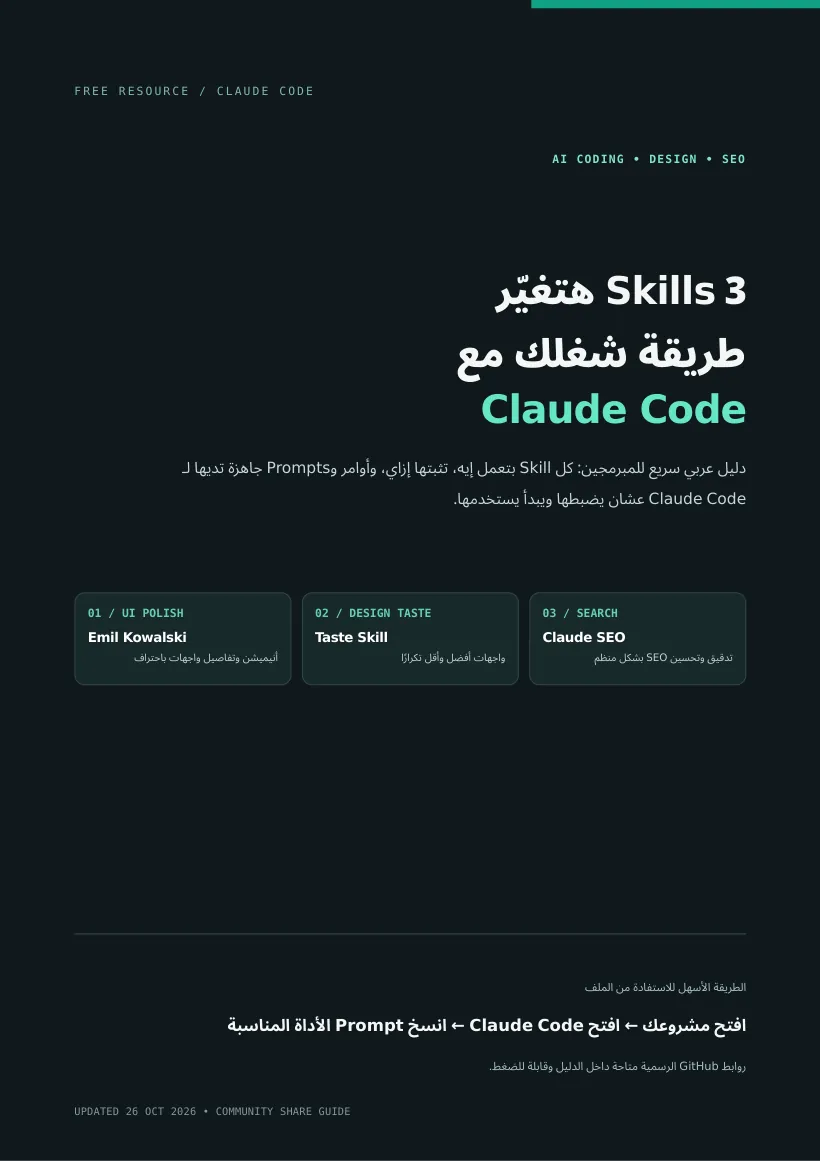
    A five-page card-style guide to three Claude Code skills — Emil Kowalski's design engineering skills for motion and interaction, Taste Skill for visual direction, and a SEO skill — each with its official repository, what it does in practice, the exact install command, and two prompts: one to install and verify, one to try it on a project.

  • AI & Developer Tools

    Find Skills — A to Z

    A twelve-page guide to Find Skills: what it is in one sentence, the search commands, installing it on Claude Code and on Codex — per project and globally — ready prompts for both, how to use it day to day, what to do once you have picked a skill, and a troubleshooting section.