

Content Creation · Advanced

Claude Video Editing System

Set the machine up once, then every new video needs only a creative brief

Download PDF

PDF · 321 KB · 17 pages

The PDF is in Arabic. This page describes it in your language; the file itself is unchanged.

  • video
  • claude code
  • editing
  • motion graphics
  • captions
  • sfx
  • qc
  • workflow
  • rtl

01About this document

About this document

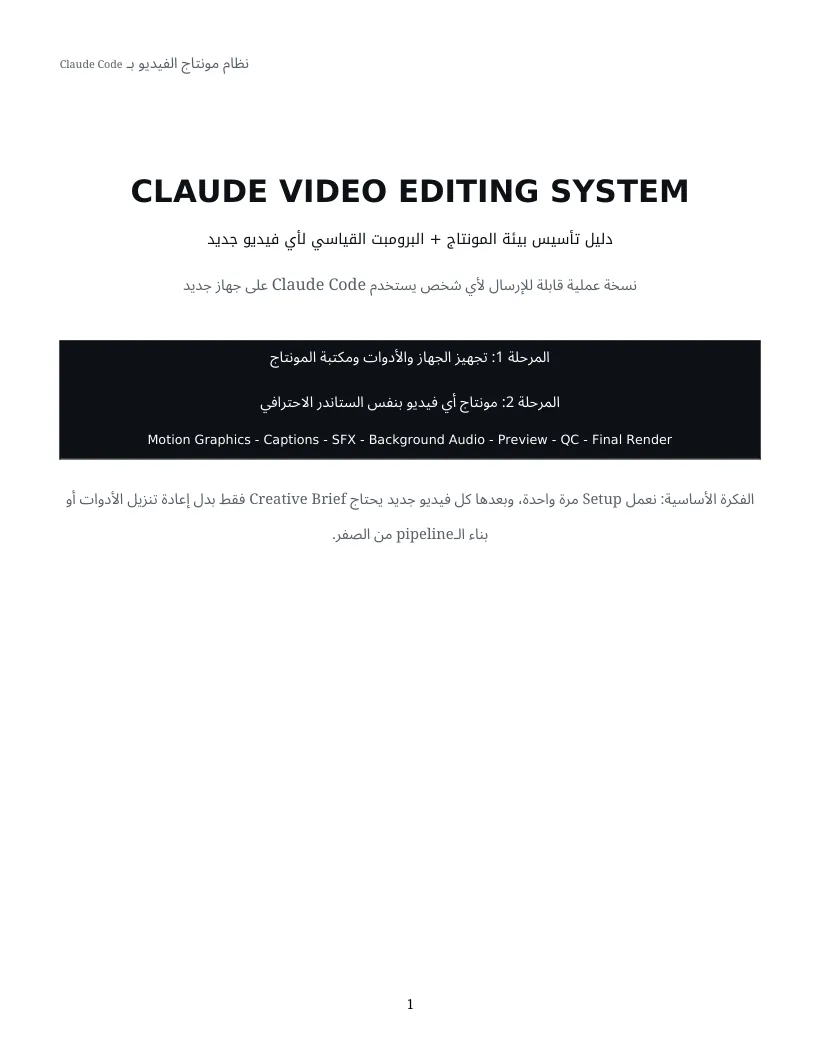
The separation is deliberate and stated up front: the setup fixes the quality of execution and the workflow, not the design. Colours, background style, motion density and whether text goes behind the subject are decided per video, in the video's own prompt — so one setup does not flatten every video into the same look.

The fixed rules are where the quality comes from: the original video is the reference and speech is never cut or reordered on the agent's own initiative, motion graphics explain step by step rather than becoming static slides, every meaningful movement gets a synced sound effect, Arabic captions are correct RTL while technical terms stay in English, and nothing is called finished before a full decode, A/V sync, caption QC and SFX QC.

Preview

The first page of the document, as it is.Open the PDF in a new tab

02What you will learn

What you will learn

  • Set up the editing toolkit once per machine, with a self test at the end
  • Edit every new video to the same standard from one brief
  • Keep design decisions per video instead of baked into the setup
  • Handle SFX, background audio and the audio mix deliberately
  • Run preview and QC before the final render, and a delivery checklist after

03What is inside

What is inside

  1. 01How to use this PDF, and the right order
  2. 02The system's philosophy and the fixed editing standard
  3. 03The tools Claude should check or install
  4. 04The proposed toolkit folder structure
  5. 05Stage 1 prompt — bootstrap / setup, once per machine
  6. 06The fixed editing rules, and the standard layouts
  7. 07Stage 2 prompt — editing a new video
  8. 08SFX, background sound and the audio mix
  9. 09Preview and QC before the final render
  10. 10The final delivery checklist

04Who this is for

Who this is for

  • Creators who edit regularly and want one repeatable standard
  • Anyone setting up a video pipeline on a new machine

05Related resources

  • Content Creation

    3 AI Tools That Actually Help You Edit Video

    Fifteen pages on three video tools that do not replace each other: FFmpeg Skill for local technical editing, Claude Shorts for turning a long video into vertical shorts, and OpenMontage as a full production system — with official links, requirements, install and usage prompts, a combined workflow and a pre-flight checklist.
  • Content Creation

    Instagram Skill — 16 Skills for Claude

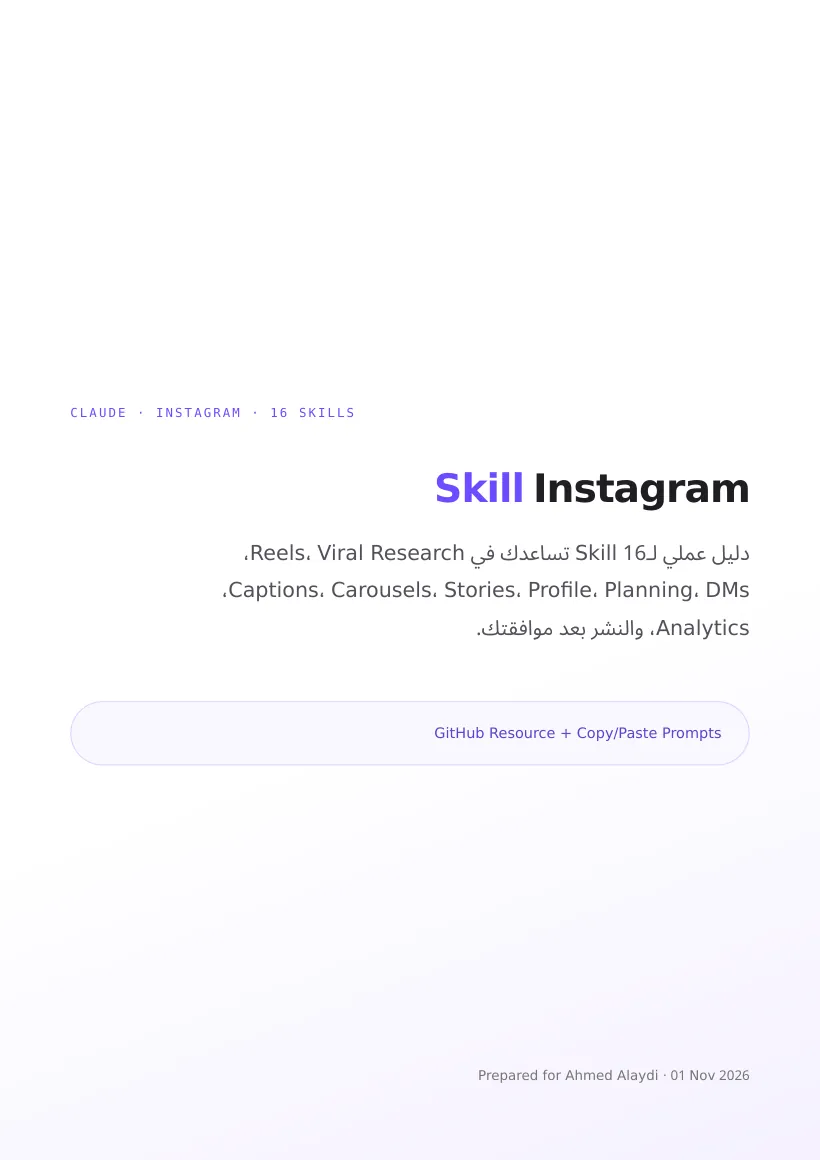
    Twenty-one pages covering sixteen Instagram skills for Claude — reels, viral research, captions, carousels, stories, profile audit, weekly planning, humanizer, comments, replies, DMs, repurposing, performance audit, publishing, insights and hashtags — each with what it does, when to use it, what it needs, a caveat, and a ready prompt.

  • Software Architecture

    From Idea to Architecture, Then Claude Code

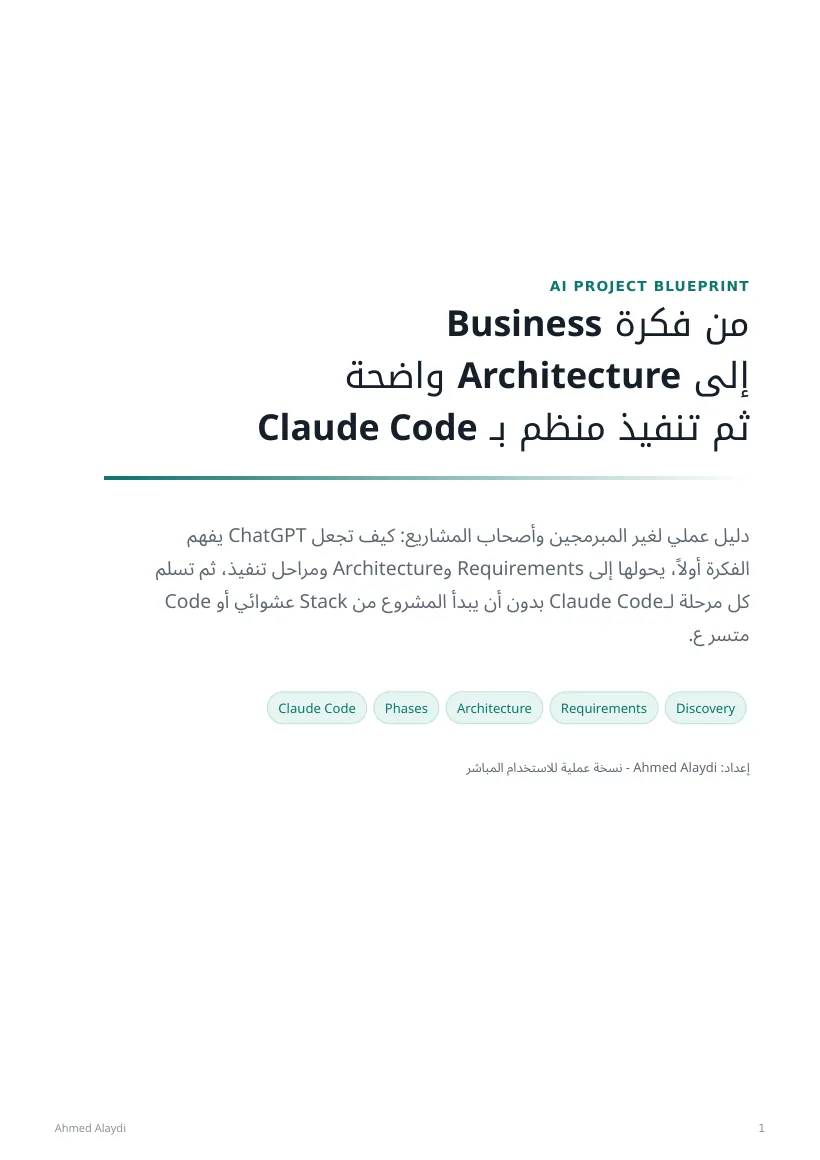
    A nineteen-page workflow for taking a business idea to a documented architecture and then to phased implementation: a discovery interview, a PRD, architecture options with justified trade-offs, an exportable architecture document, phase breakdown, and only then a Claude Code intake that is explicitly told not to write code yet.