

Content Creation · Intermediate

3 AI Tools That Actually Help You Edit Video

FFmpeg Skill, Claude Shorts and OpenMontage — each for a different job

Download PDF

PDF · 392 KB · 15 pages

The PDF is in Arabic. This page describes it in your language; the file itself is unchanged.

  • video
  • ffmpeg
  • claude code
  • shorts
  • openmontage
  • captions
  • editing
  • content
  • prompts

01About this document

About this document

Each tool is introduced by the job it does, not by its feature list: FFmpeg Skill gives an agent a fixed set of documented tools instead of guessing commands; Claude Shorts runs a ten-step pipeline that scores candidate clips and waits for your approval before rendering; OpenMontage turns the assistant into a research, script, assets, editing and composition pipeline, and can start from a reference video.

Safety runs through the whole file: always work on a copy, never let an agent overwrite the source, no paid API or asset generation without explicit approval, never put keys in a prompt or a screenshot, and never trust a “done” without a probe, a preview and a visual and audio review. A one-page table says which tool to start with for a given situation, and the last page is a checklist before the first real video.

Worth knowingThe file states its official sources were last verified on 12 November 2026.

Preview

The first page of the document, as it is.Open the PDF in a new tab

02What you will learn

What you will learn

  • Pick the right tool for the job from a one-page situation table
  • Install all three with prompts that check the machine before changing it
  • Cut, caption, reframe and level audio locally with FFmpeg Skill
  • Turn a long video into shorts, approving the clips before any render
  • Use a reference video as a production language, not a template to copy
  • Chain all three into one workflow with separated outputs

03What is inside

What is inside

  1. 01Before you start: each tool does a different job
  2. 02Tool 01 — FFmpeg Skill: local technical editing
  3. 03Tool 02 — Claude Shorts: the ten-step pipeline
  4. 04Tool 03 — OpenMontage: an agentic production system
  5. 05A reference-video prompt that does not copy the creator
  6. 06One prompt to install all three
  7. 07The workflow that combines them
  8. 08Choosing fast, and three mistakes to avoid
  9. 09Troubleshooting, and a checklist before the first real video

04Who this is for

Who this is for

  • Creators editing their own videos with AI assistance
  • Developers who publish technical video and want a repeatable pipeline

05Related resources

  • Content Creation

    Claude Video Editing System

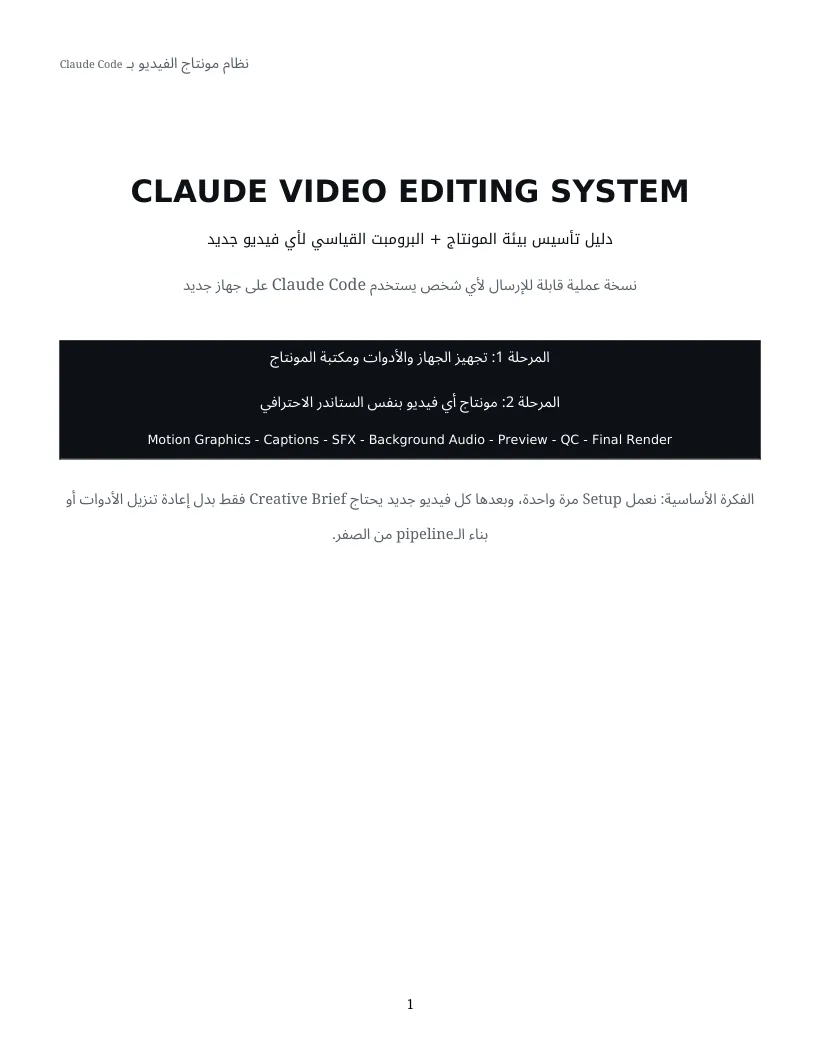
    A seventeen-page two-stage system: one bootstrap prompt that sets up the editing toolkit on a machine for good, and a second prompt used per video. Between them sit the fixed editing standards — motion graphics that explain, synced SFX, correct RTL captions, a low-resolution preview and QC before the final render, and a source file that is never overwritten.
  • Content Creation

    Instagram Skill — 16 Skills for Claude

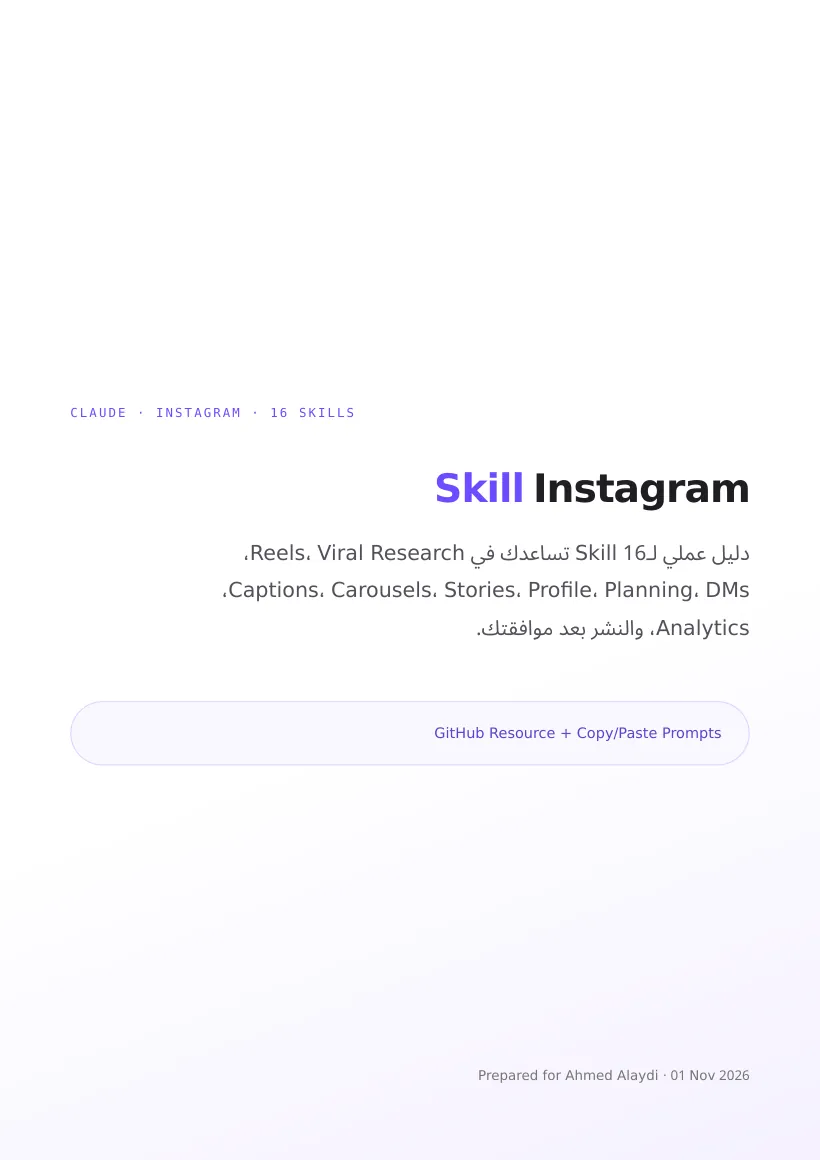
    Twenty-one pages covering sixteen Instagram skills for Claude — reels, viral research, captions, carousels, stories, profile audit, weekly planning, humanizer, comments, replies, DMs, repurposing, performance audit, publishing, insights and hashtags — each with what it does, when to use it, what it needs, a caveat, and a ready prompt.

  • Frontend Development

    Frontend Skills for Claude Code

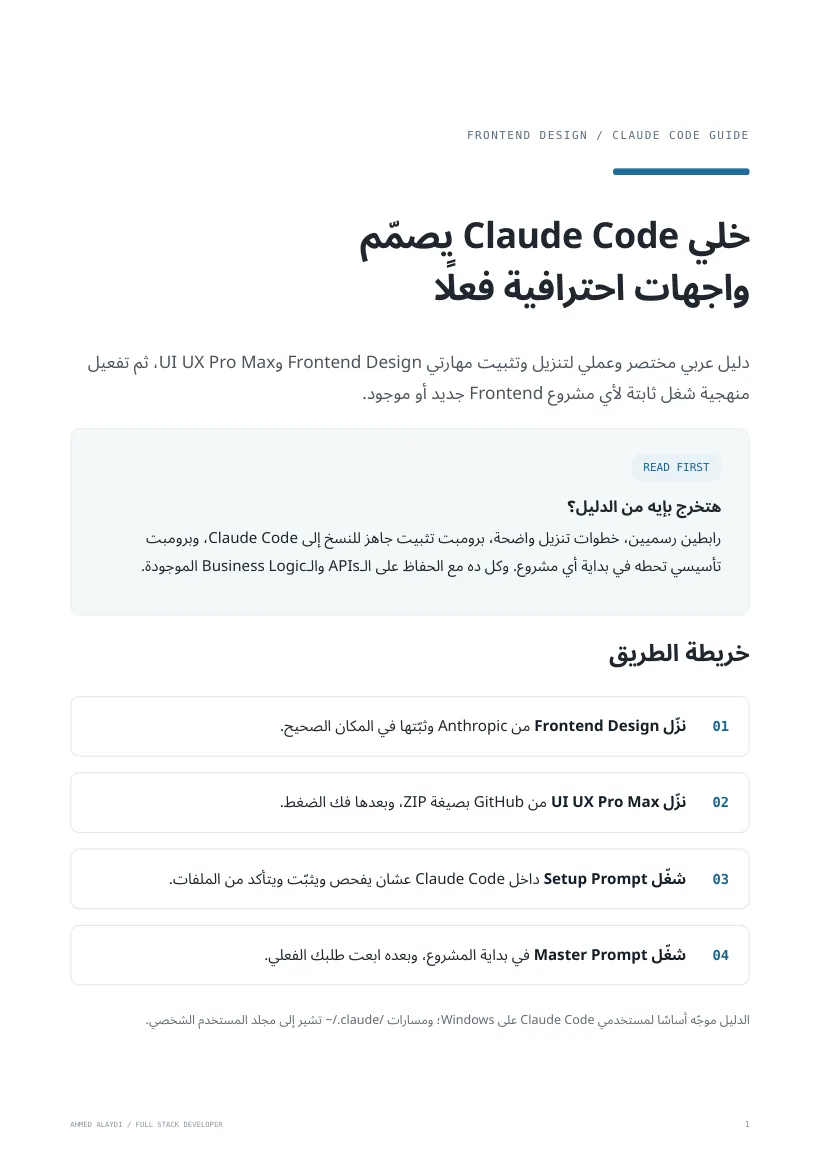
    A short practical guide to installing two skills — Frontend Design from Anthropic and UI UX Pro Max — into Claude Code, verifying the install, and then running one master prompt at the start of any front-end project so the design work follows a fixed method instead of a new guess each time.