

Content Creation · Beginner

Instagram Skill — 16 Skills for Claude

A content workflow where nothing is published without your explicit approval

Download PDF

PDF · 122 KB · 21 pages

The PDF is in Arabic. This page describes it in your language; the file itself is unchanged.

  • content
  • instagram
  • claude
  • skills
  • reels
  • captions
  • social media
  • planning
  • analytics
  • prompts

01About this document

About this document

The structure is the strength: all sixteen skills are described identically, so you can read one page and know how to use any of them. Fourteen of the sixteen need no API keys; the two that do (insights through Apify, and publishing) are marked as such.

Publishing is treated carefully throughout: the publish skill only posts or schedules after an explicit approval, insights are described as real public data rather than guesses, and the closing pages set out what to check before relying on any of it.

Preview

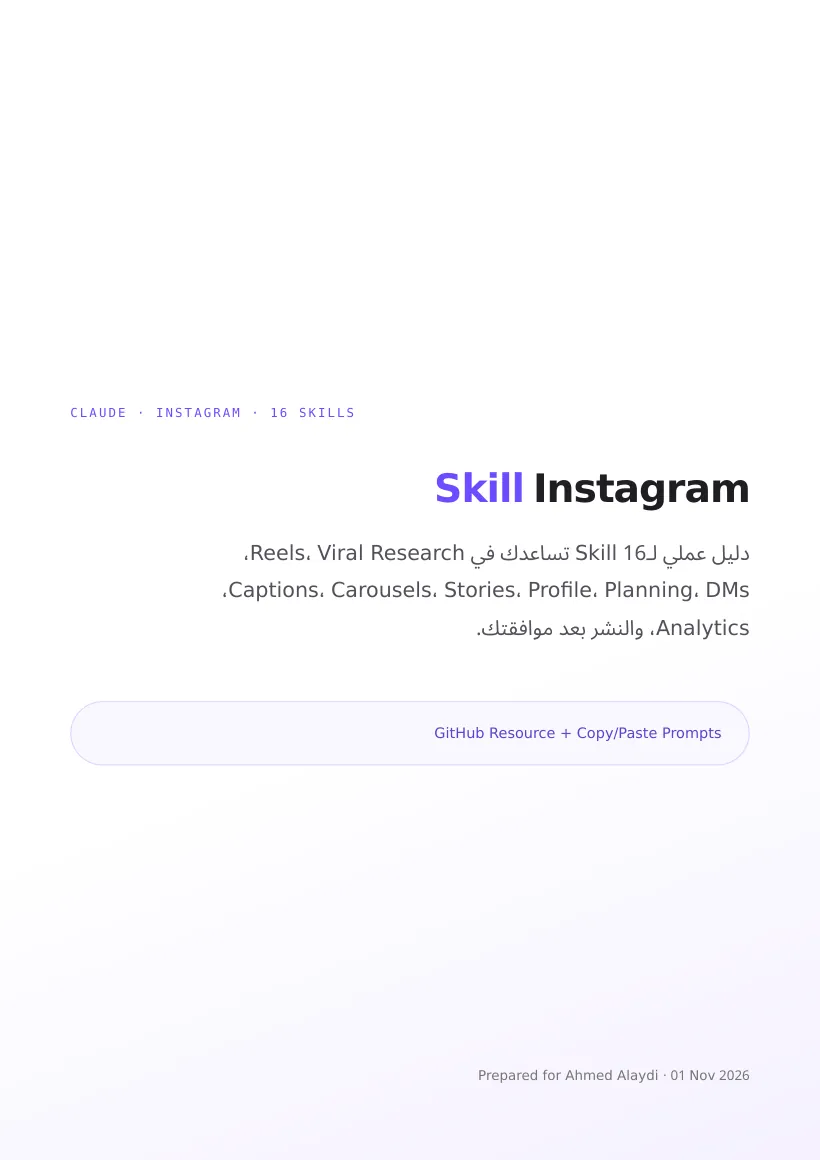
The first page of the document, as it is.Open the PDF in a new tab

02What you will learn

What you will learn

  • Install the skills, including a manual Claude Code path and a plugin path
  • Take a raw idea to a shootable reel script
  • Plan a week of content instead of posting at random
  • Score and improve a profile out of 100
  • Turn one asset into a week of content through repurposing
  • Publish or schedule only after an explicit approval

03What is inside

What is inside

  1. 01Getting started: installing inside Claude, manually, or as a plugin
  2. 02The 16 skills at a glance
  3. 03Reels, viral research, captions, carousels, stories
  4. 04Profile audit, weekly plan, humanizer
  5. 05Comments, replies and DMs
  6. 06Repurpose, audit, publish, insights, hashtags
  7. 07A suggested content workflow, and a master setup prompt
  8. 08What to check before relying on them

04Who this is for

Who this is for

  • Developers and technical creators who publish on Instagram
  • Anyone running a content account who wants a repeatable process

05Related resources

  • Content Creation

    3 AI Tools That Actually Help You Edit Video

    Fifteen pages on three video tools that do not replace each other: FFmpeg Skill for local technical editing, Claude Shorts for turning a long video into vertical shorts, and OpenMontage as a full production system — with official links, requirements, install and usage prompts, a combined workflow and a pre-flight checklist.
  • Content Creation

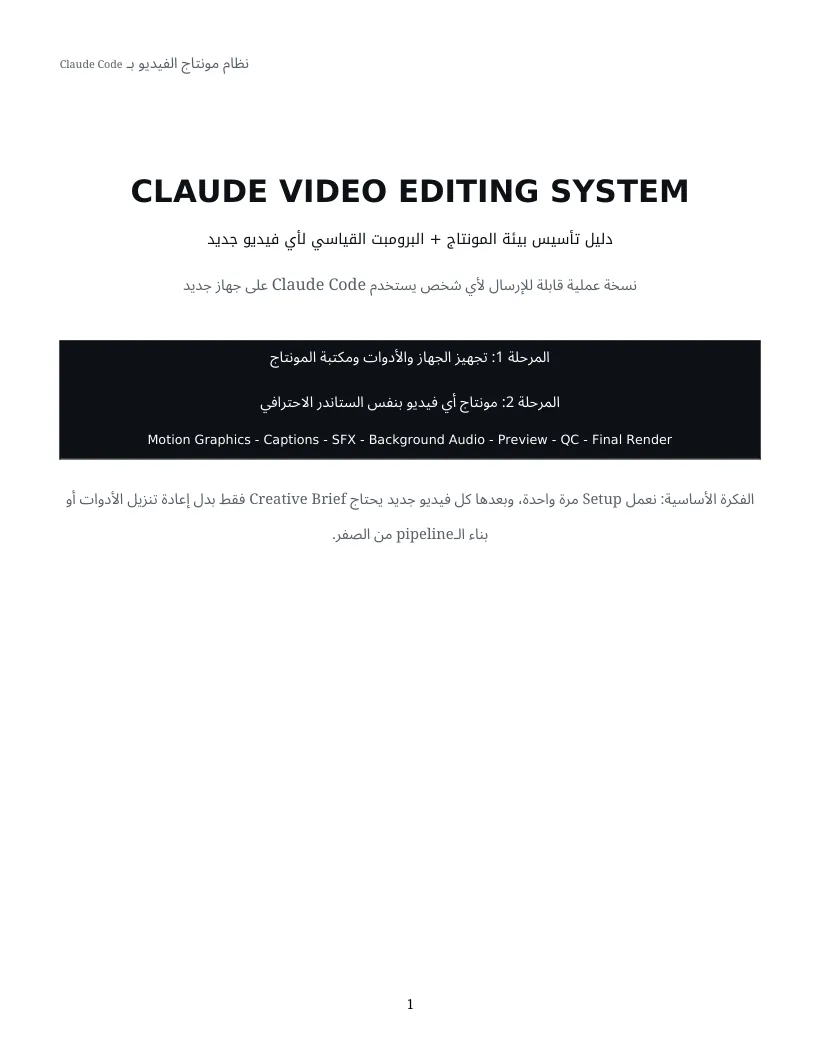
    Claude Video Editing System

    A seventeen-page two-stage system: one bootstrap prompt that sets up the editing toolkit on a machine for good, and a second prompt used per video. Between them sit the fixed editing standards — motion graphics that explain, synced SFX, correct RTL captions, a low-resolution preview and QC before the final render, and a source file that is never overwritten.

  • Frontend Development

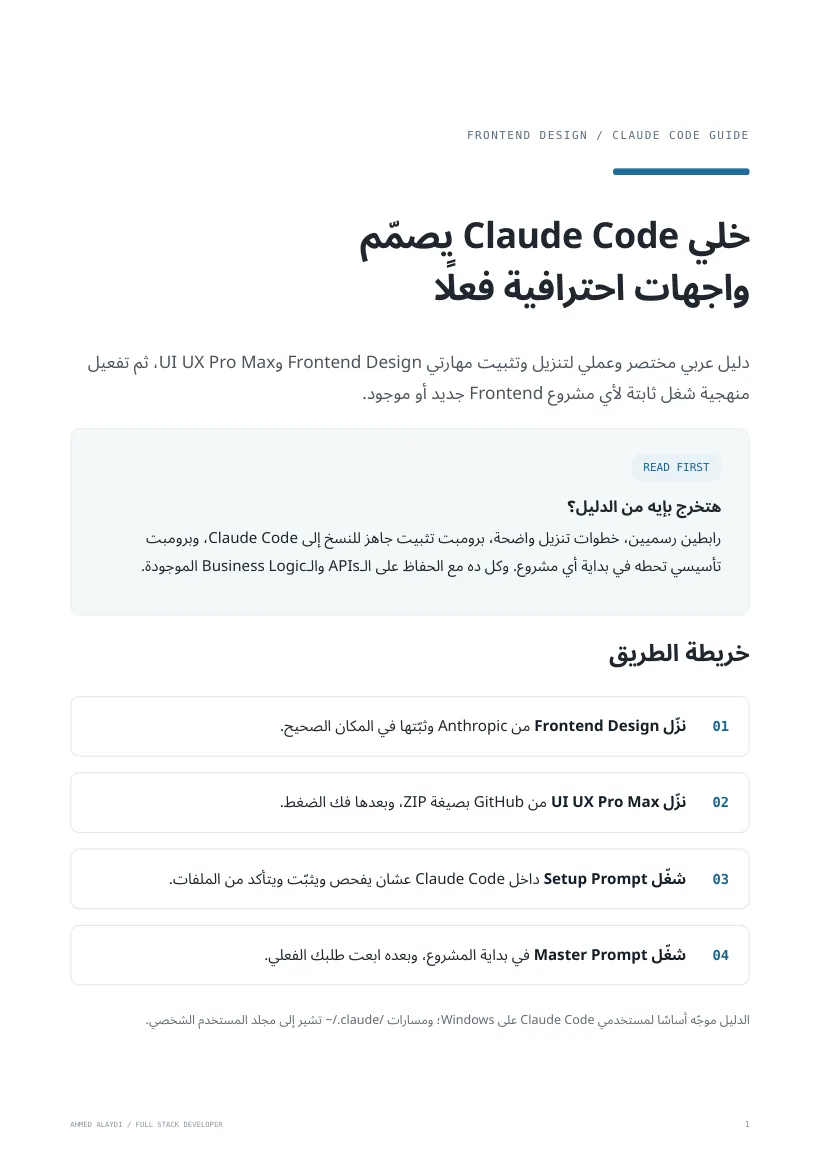
    Frontend Skills for Claude Code

    A short practical guide to installing two skills — Frontend Design from Anthropic and UI UX Pro Max — into Claude Code, verifying the install, and then running one master prompt at the start of any front-end project so the design work follows a fixed method instead of a new guess each time.