 Ahmed Alaydi
Multi-Branch POS Operations. Unified.
A complete POS ecosystem connecting admin dashboards, branch operations, cashier workflows, inventory tracking, expenses, and real-time business notifications.
- Role
- Full-Stack Developer
- Timeline
- Production System
- Industry
- Retail / POS / Business Operations
- Status
- Production Ready
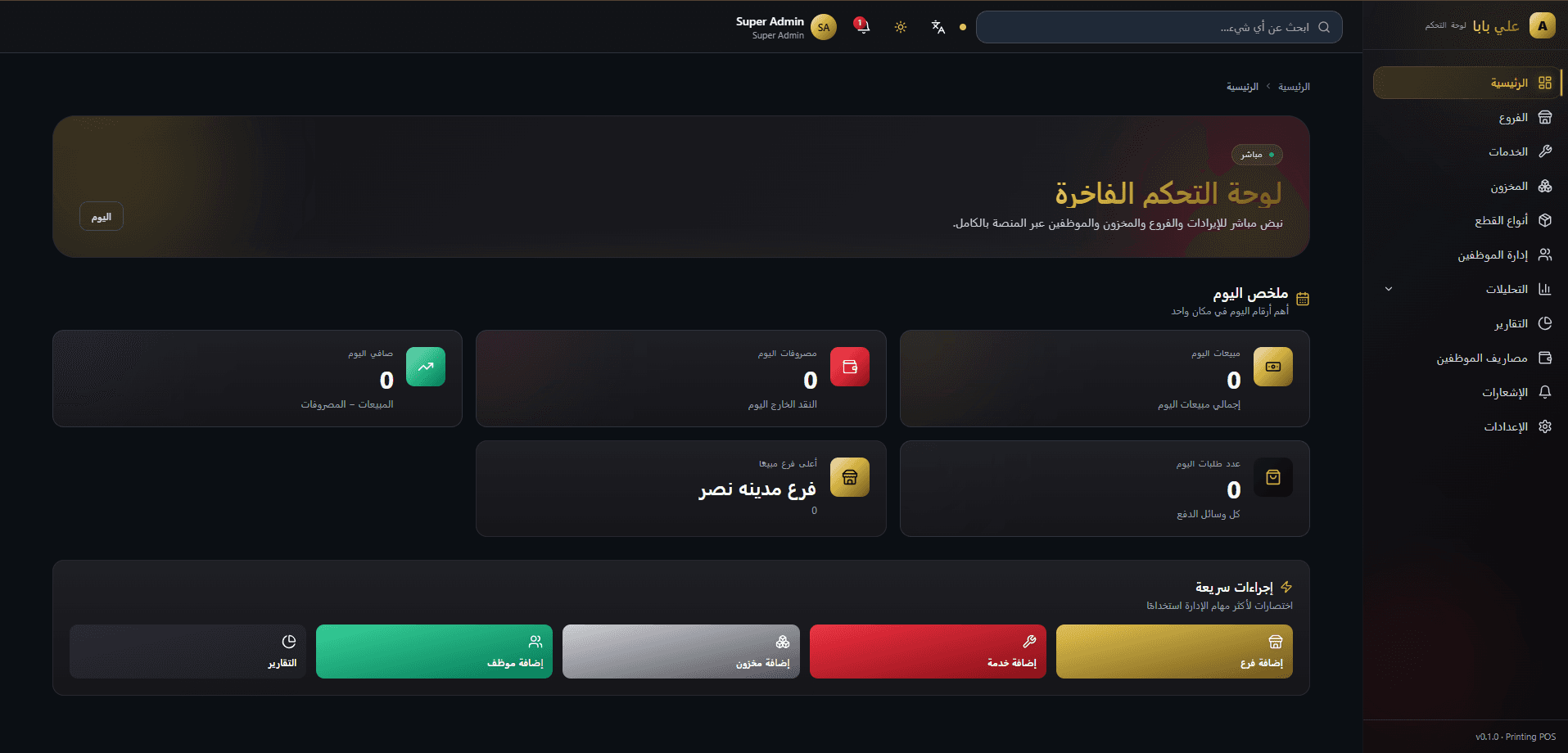
What this system is
Aly Baba POS was built to simplify daily business operations across multiple branches. The ecosystem combines a powerful admin dashboard, Laravel API, MySQL database, and a dedicated Electron desktop cashier application. It helps business owners manage sales, inventory, expenses, employees, reports, and branch performance from one connected system while giving cashiers a fast and reliable desktop interface for daily transactions.
What we needed to solve
Businesses with multiple branches often struggle to manage sales, inventory, expenses, employees, and branch performance using disconnected tools. Manual tracking can lead to stock mistakes, delayed reports, missing expense records, and poor visibility over daily operations.
How we shipped it
A centralized POS ecosystem built with Laravel APIs, a React admin dashboard, and an Electron desktop cashier application. The system connects sales, inventory, expenses, reports, notifications, and branch operations into one workflow, allowing admins to monitor the business while cashiers handle daily transactions through a fast desktop application.
How the system is wired
The system follows an API-first architecture where the Laravel backend acts as the central business layer, the React admin dashboard provides management and reporting tools, and the Electron desktop cashier application handles daily sales operations for each branch. All operations are connected through REST APIs and stored in a centralized MySQL database.
React-based dashboard for managing branches, employees, services, inventory, expenses, reports, analytics, notifications, and system settings.
Central backend layer responsible for authentication, business rules, sales processing, inventory ledger, expenses, notifications, and reports.
Electron desktop POS application used by cashiers to create orders, manage payments, print receipts, and sync transactions with the central system.
MySQL database storing branches, users, services, stock movements, orders, expenses, notifications, and reports data.
Engineering choices
In the wild
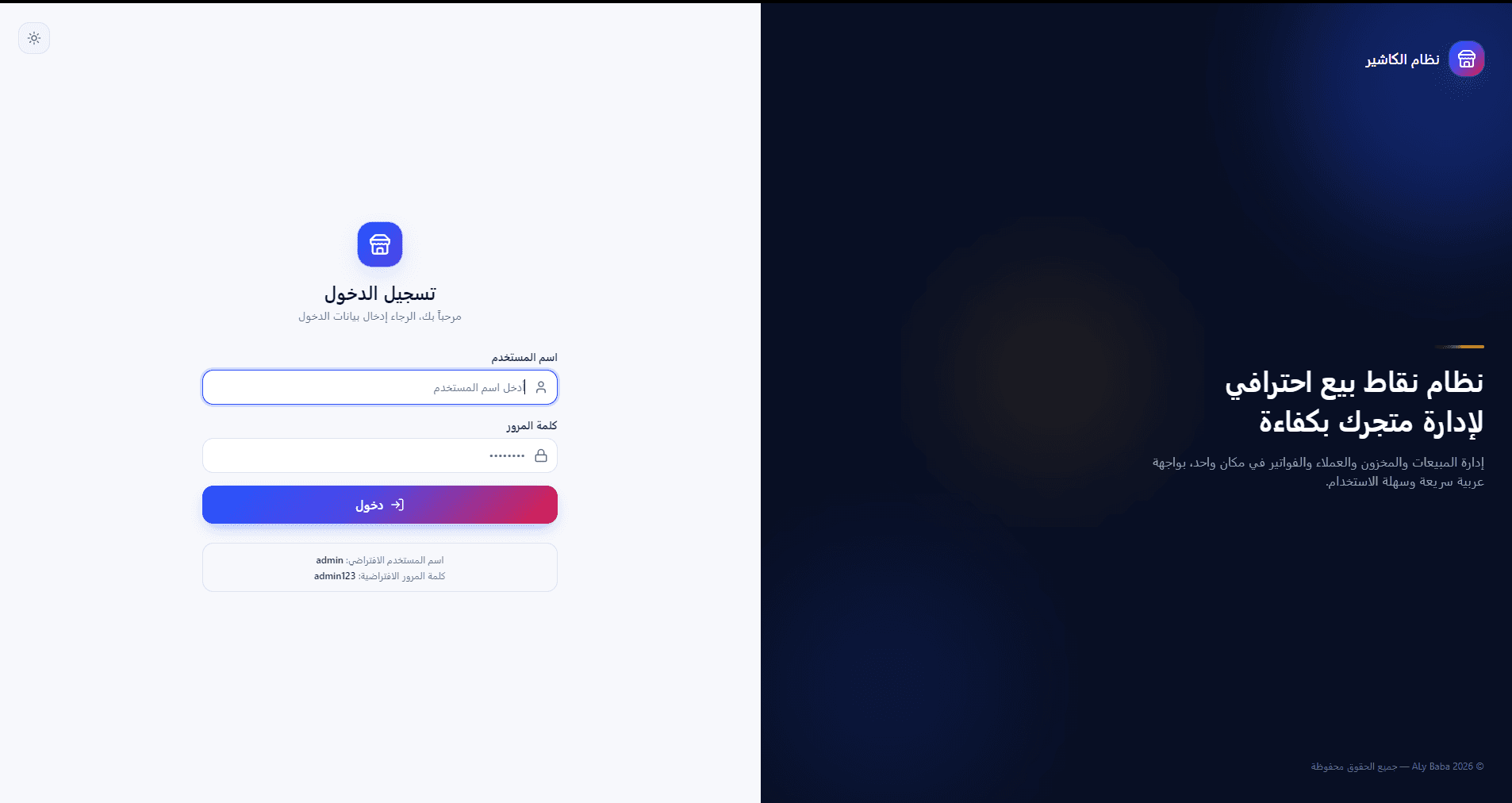
Cashier desktop experience
The cashier desktop application is built for speed inside branch operations. It gives cashiers a focused POS interface for login, order creation, payment handling, receipt printing, and daily transaction flow while staying connected to the same Laravel backend and central reporting system.
Secure branch cashier login screen designed for fast daily access and minimal friction at the point of sale.
Main cashier workspace showing quick actions, branch context, and the core sales workflow in a focused desktop layout.
Sales creation screen where cashiers add services, adjust quantities, choose payment methods, and complete orders efficiently.
Sales creation screen where cashiers add services, adjust quantities, choose payment methods, and complete orders efficiently.
Sales creation screen where cashiers add services, adjust quantities, choose payment methods, and complete orders efficiently.
Services and data
Role-based access for admins, branch managers, and cashiers with protected API routes.
Processes POS orders, calculates totals, stores order items, and connects each sale to its branch and cashier.
Tracks stock using stock movements instead of a cached quantity, supporting stock-in, sale consumption, damaged stock, adjustments, and negative stock recovery.
Records branch expenses and connects them to financial reports to calculate net revenue.
Generates notifications for new orders, expenses, low stock, and negative stock with sound alerts inside the admin dashboard.
External surfaces
REST endpoints for managing branches, employees, services, inventory, expenses, reports, analytics, and notifications.
Dedicated API surface for the desktop cashier app including login, catalog loading, order creation, expenses, and receipt workflows.
Endpoints for listing notifications, unread counters, marking as read, deleting notifications, and saving sound preferences.
What admins control
Main overview for business KPIs, quick actions, recent activity, and operational status.
Manage business branches and connect every sale, expense, employee, and stock movement to the correct branch.
Manage sellable services/products and define pricing and stock consumption behavior.
Track stock entries, stock consumption, low stock, negative stock, and inventory movement history.
Record branch-level expenses and reflect them directly in reports and net revenue calculations.
Daily and monthly reporting for sales, expenses, net revenue, inventory, and branch performance.
Central notification center for new orders, expenses, stock alerts, and important business events.
Electron POS interface for branch cashiers to complete sales, print receipts, and sync transactions.
Hard problems, handled
Cashiers may sell services before the admin adds the required stock to the branch inventory.
Implemented negative stock handling so the sale is not blocked. When new stock is added later, it automatically offsets the negative balance.
Admins need visibility over sales, expenses, stock, and branch performance without checking each branch manually.
Built a centralized dashboard with reports, analytics, notification center, and branch-level data filtering.
The system needs to support multiple branches operating at the same time.
Designed backend flows with transactional operations and branch-scoped data to keep sales, inventory, and expenses reliable.
Built to stay fast
Design and interaction
Ready to ship and operate
What it does
Cashiers can create orders, select services, manage quantities, choose payment methods, and complete sales through a dedicated desktop application.
The system supports multiple branches operating at the same time while keeping sales, expenses, inventory, and reports separated per branch.
If the admin forgets to add stock before selling, the system allows the sale and records stock as negative until new stock is added later.
Reports calculate total sales, expenses, net revenue, and branch performance using real operational data.
Admins receive notifications for new sales, new expenses, low stock, and negative stock with sound alerts.
The desktop cashier application supports receipt printing workflows for completed orders.
Why we chose what we chose
Laravel API as the central business layer.
Laravel provides a reliable backend foundation for authentication, validation, transactions, reports, and scalable API development.
Electron for the cashier desktop application.
Electron allows the cashier experience to run as a desktop application while still using modern React-based UI development.
Inventory ledger instead of cached stock quantity.
Stock is calculated from movements, making stock history auditable and allowing negative stock recovery automatically.
React dashboard with reusable UI components.
A component-based dashboard makes the system easier to maintain, expand, and redesign across multiple business modules.
Results
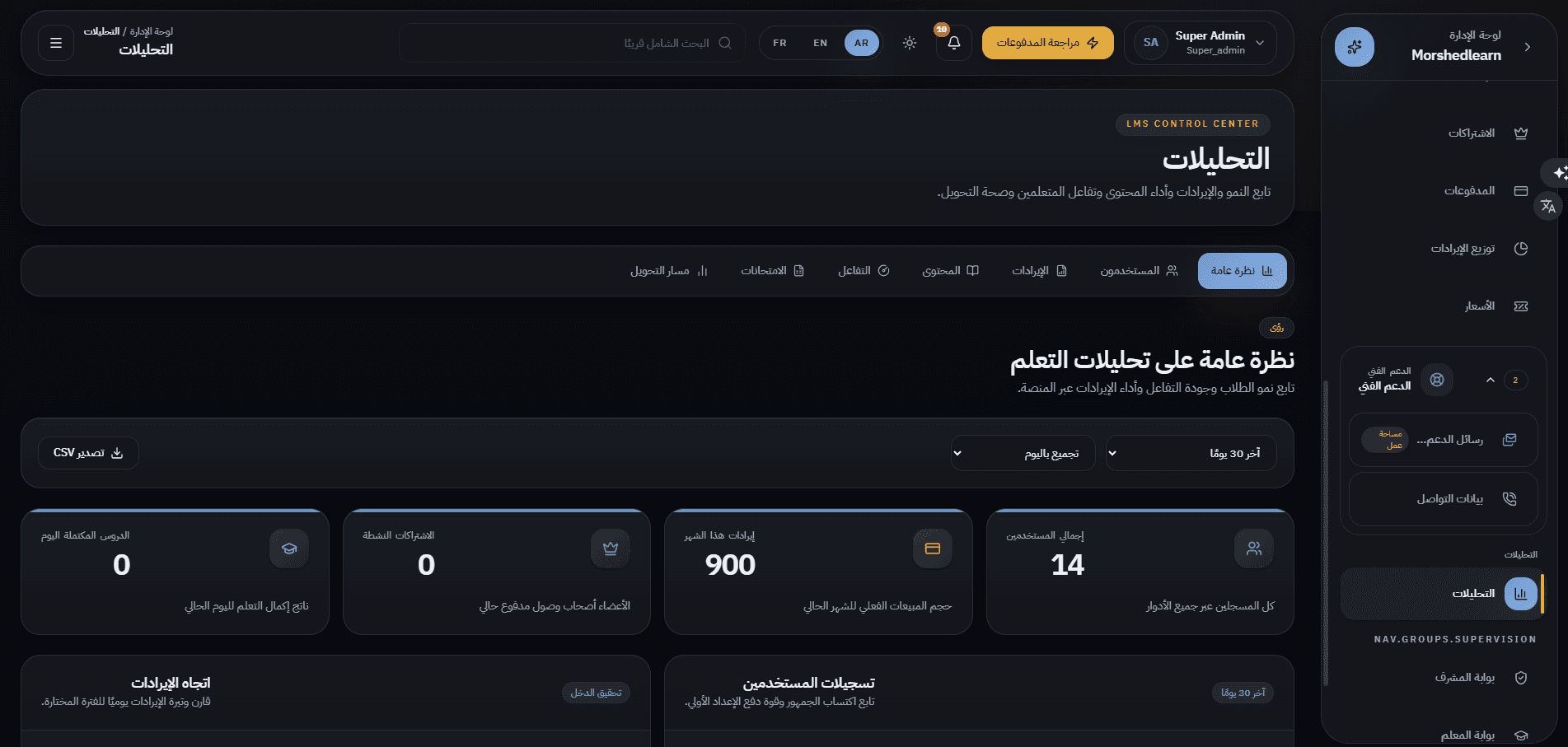
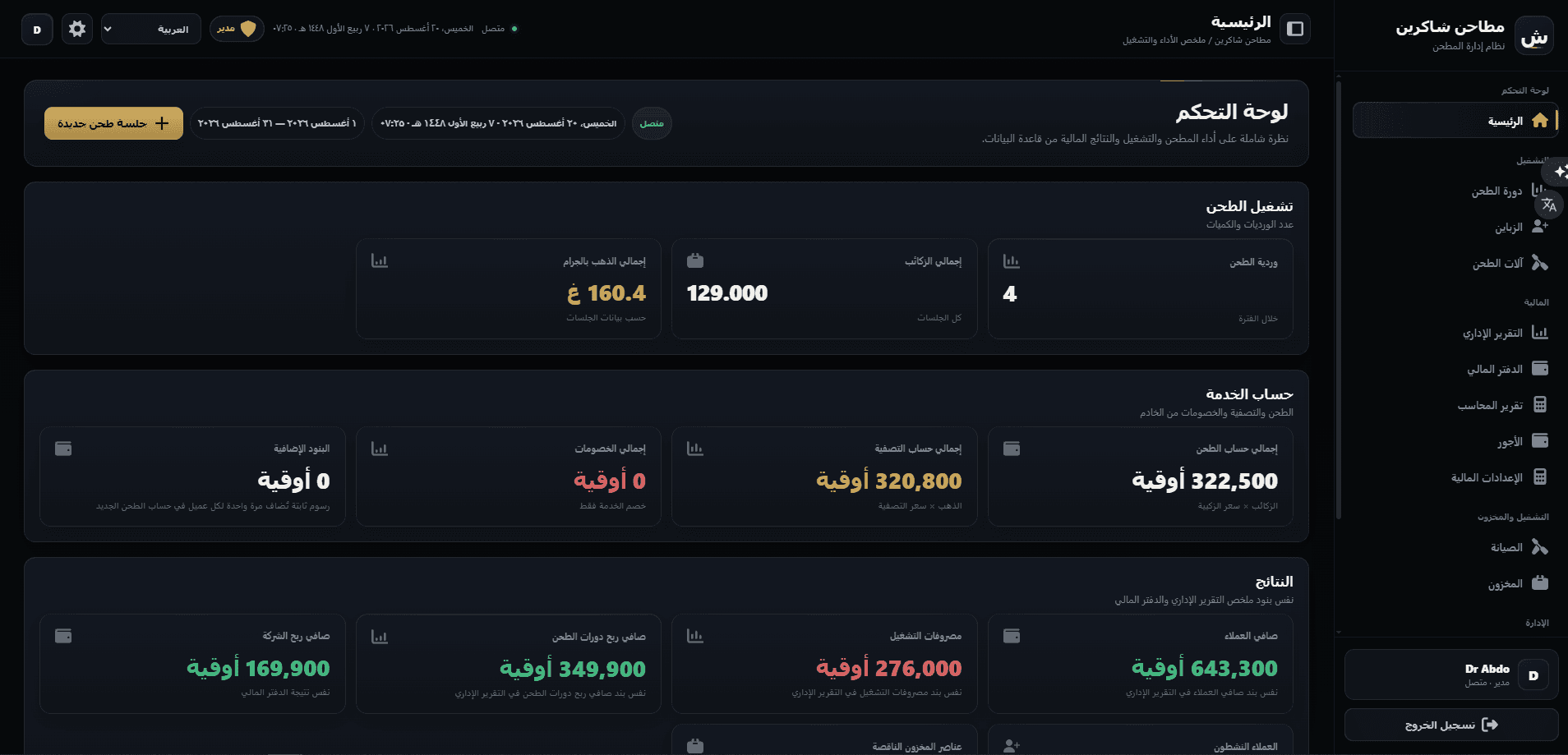
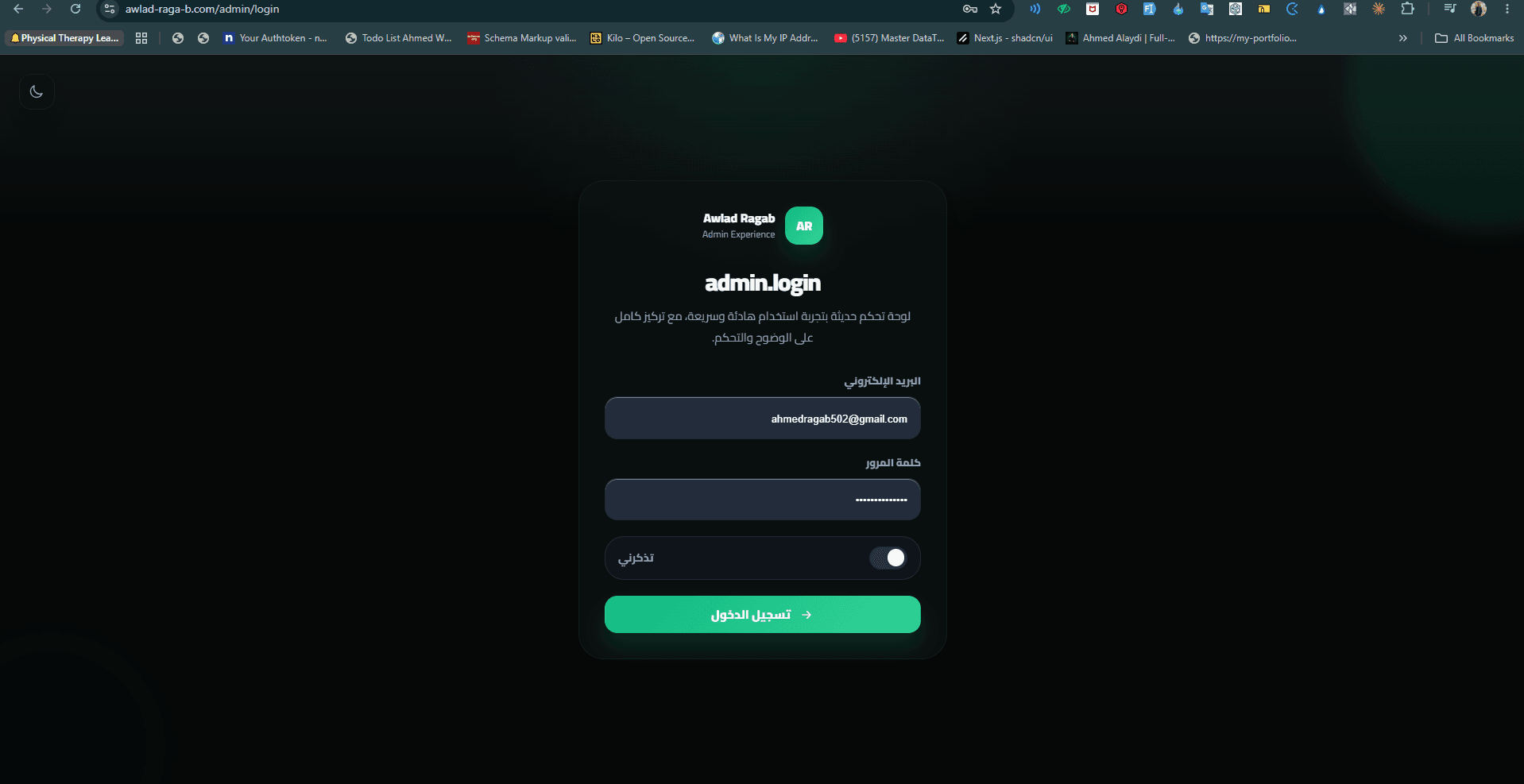
Other case studies

Building something similar?
Let's scope your platform — dashboard, mobile apps, APIs, the full stack.