
Mobile Development · Advanced

ARTEMIS — Android Automation with Claude Code and Codex

Drive a real device or emulator from an AI agent over MCP

Download PDF

PDF · 56 KB · 10 pages

The PDF is in Arabic. This page describes it in your language; the file itself is unchanged.

  • android
  • mobile
  • automation
  • mcp
  • claude code
  • codex
  • testing
  • emulator
  • adb

01About this document

About this document

Setup is covered end to end: confirming the device is visible before anything else, the quick install for each operating system, a CLI smoke test, then installing the MCP server for the supported tools and registering it in Claude Code and in Codex.

After installation it gives three usage prompts — testing an app after a build, reproducing a bug, and a quick task on the device — plus fast troubleshooting and a final page of official sources and videos that mention ARTEMIS.

Worth knowingThe guide states that it was compiled from the project's official documentation, last checked 29 October 2026.

Preview

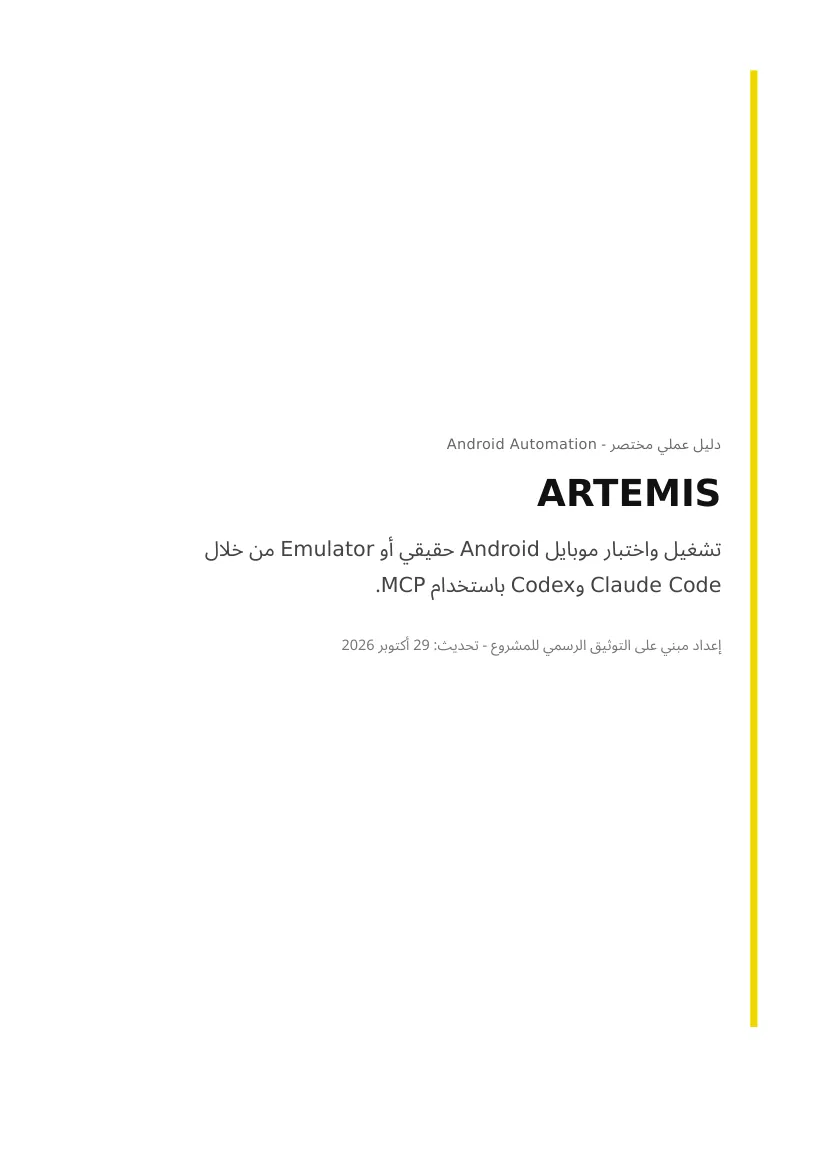
The first page of the document, as it is.Open the PDF in a new tab

02What you will learn

What you will learn

  • Confirm the device is connected before installing anything
  • Install ARTEMIS on Windows, macOS or Linux and smoke-test it
  • Register it as an MCP server in Claude Code and in Codex
  • Test a build and reproduce a bug on a real device from the agent

03What is inside

What is inside

  1. 01What ARTEMIS is, what it can do, and its profiles
  2. 02Before installing: make sure the device shows up
  3. 03Quick install — Windows PowerShell, macOS and Linux
  4. 04Wiring it into Claude Code and Codex over MCP
  5. 05Ready install prompts for Claude Code and for Codex
  6. 06Usage prompts: test after a build, reproduce a bug, a quick device task
  7. 07Fast troubleshooting, and official links

04Who this is for

Who this is for

  • Android and React Native developers testing on devices
  • Developers automating device testing from Claude Code or Codex

05Related resources

  • AI & Developer Tools

    AI Coding Roadmap

    An ordered path through four coding agents, built from selected videos with a practical prompt to run after each one — three graded stages for Claude Code and three for Codex — plus a seven-day plan and a section on using AI without letting your own level slip.
  • Frontend Development

    Apple Design Skill Guide

    A guide to the Apple Design skill for Claude Code and Codex: what it actually adds to a project, how to install it, and a deliberate order — audit an existing site without changing anything, read the audit, then redesign — plus copy-ready prompts for bottom sheets, cards, navbars, typography and carousels.

  • AI & Developer Tools

    3 Prompts to Start a Project with AI

    Three ready prompts, one each for ChatGPT, Claude Code and Codex, that force the same sequence on every project: understand the problem before choosing any technology, review the plan before executing, then build phase by phase — with a checklist of what must be settled before you say “start building”.